3D printing, or additive manufacturing, is a manufacturing process that creates three-dimensional objects from a digital model by depositing material layer by layer. Unlike traditional subtractive methods, it minimizes material waste, enables complex geometries, and supports rapid prototyping across industrial, medical, and consumer sectors.
Understanding 3D Printing: The Core Paradigm Shift
Additive manufacturing represents a fundamental break from traditional manufacturing techniques like CNC machining, injection molding, and casting. While traditional methods rely on subtracting material from a larger block or forcing molten material into rigid molds, 3D printing builds objects from the ground up, one cross-sectional layer at a time.
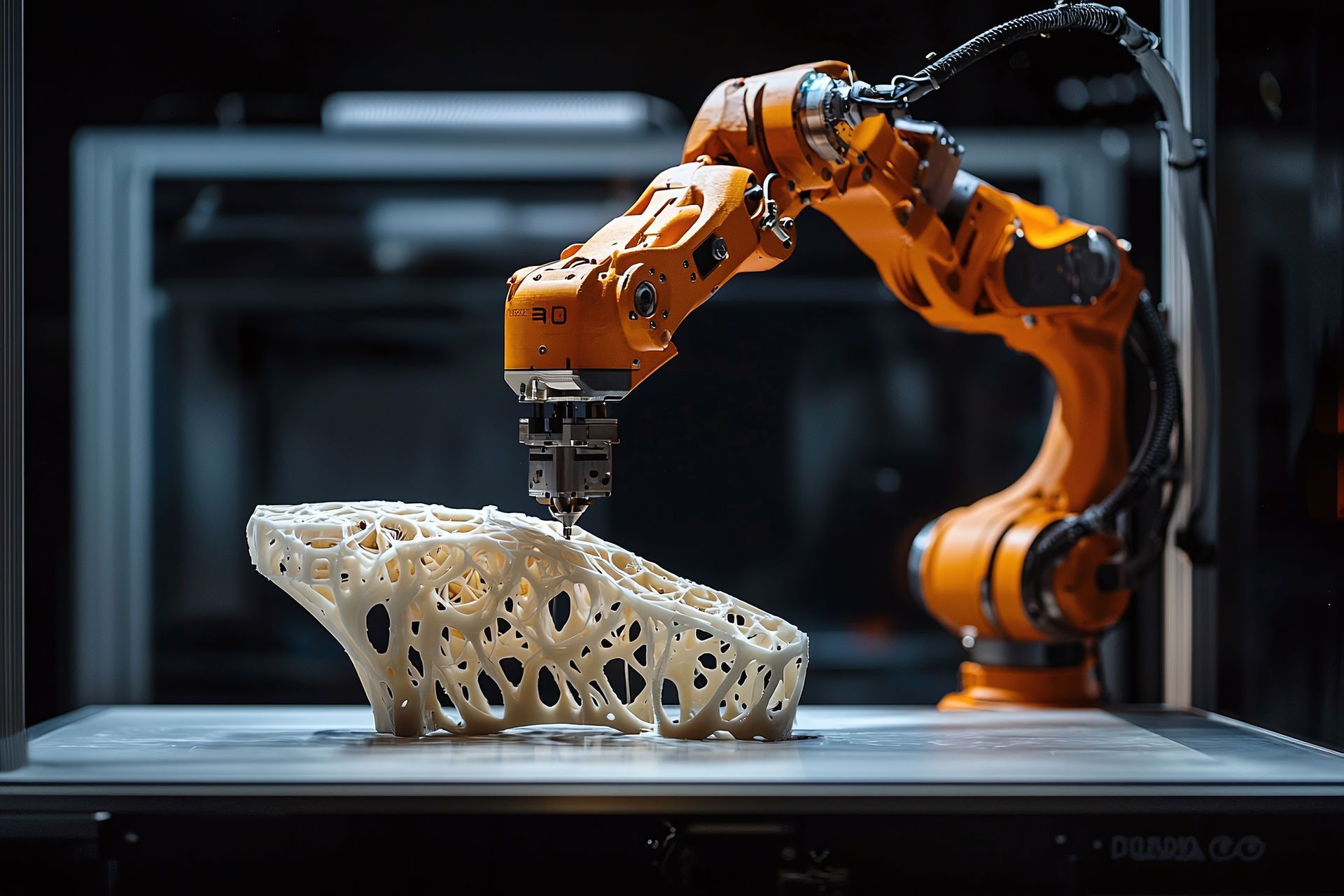
This core mechanical difference alters how engineers approach design. In traditional manufacturing, complex internal channels, undercuts, and hollow lattice structures require multi-part assemblies, specialized tooling, or are simply impossible to fabricate. 3D printing bypasses these constraints. Because the machine builds the object layer by layer, internal complexity costs virtually no more in time or labor than a solid block.
Furthermore, the technology democratizes production. Hobbyists, small business owners, and large aerospace contractors alike can transform a digital Computer-Aided Design (CAD) file into a physical component in a matter of hours. This capability compresses product development cycles, reduces capital expenditure on specialized tooling, and enables localized, on-demand manufacturing that minimizes supply chain vulnerabilities and excess inventory.
Primary 3D Printing Technologies and Material Compatibility
The term "3D printing" encompasses several distinct technologies, each utilizing different physics, chemistry, and materials. Choosing the right method depends on the mechanical requirements, surface finish, and financial constraints of the project.
Fused Deposition Modeling (FDM)
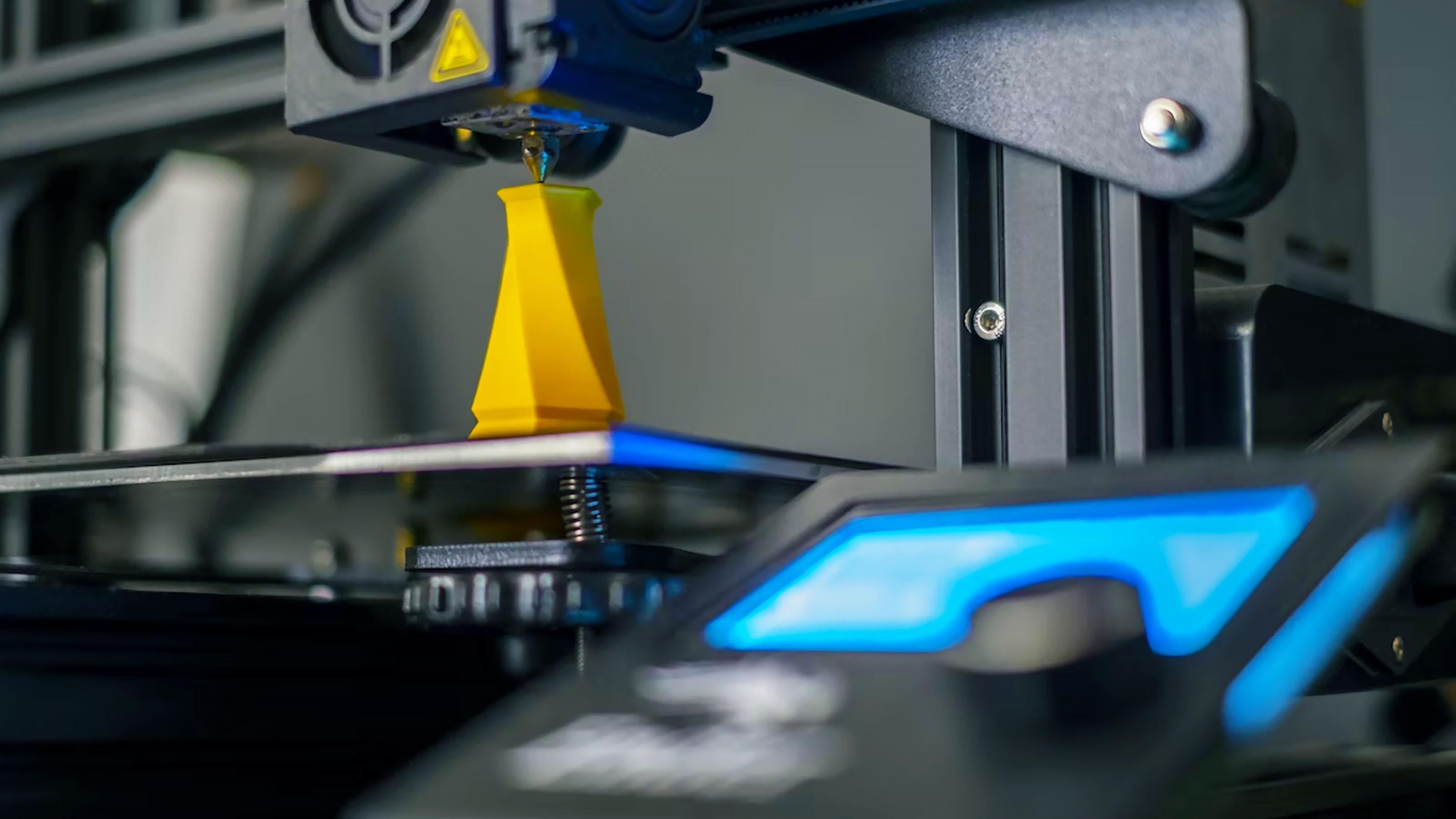
Fused Deposition Modeling, also known as Fused Filament Fabrication (FFF), is the most widely recognized and accessible form of additive manufacturing.
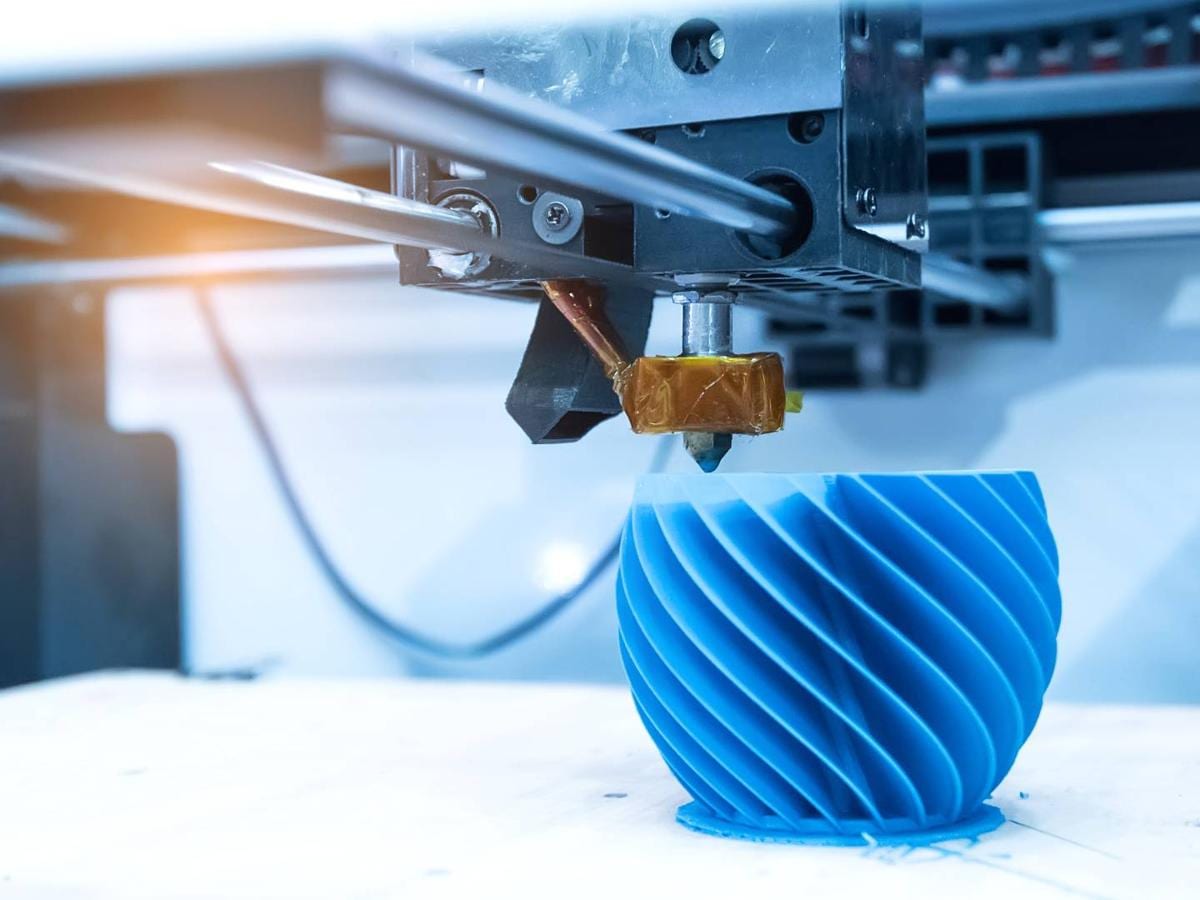
- How it works: A spool of thermoplastic filament is fed through a heated extrusion nozzle, melting the material and depositing it precisely onto a build platform along a pre-programmed toolpath. Once a layer cools and solidifies, the platform drops incrementally, and the next layer is applied.
- Common Materials: Polylactic Acid (PLA), Acrylonitrile Butadiene Styrene (ABS), Polyethylene Terephthalate Glycol-modified (PETG), Nylon, and various composite filaments infused with carbon fiber or wood.
- Applications: Rapid prototyping, functional testing, educational projects, jigs and fixtures, and end-use consumer parts.
Stereolithography (SLA)
Stereolithography is the oldest commercial 3D printing technology, belonging to the vat photopolymerization family. It is renowned for high precision, smooth surface finishes, and fine feature resolution.
- How it works: A laser or a digital light projector (DLP) selectively cures and solidifies a pool of liquid photopolymer resin, layer by layer, until the object is complete. The build platform typically moves upward out of the resin vat.
- Common Materials: Standard, tough, flexible, and castable photopolymer resins, as well as engineering-grade resins mimicking ABS or polypropylene.
- Applications: Dental aligner models, jewelry casting masters, intricate miniatures, medical modeling, and high-detail aesthetic prototypes.
Selective Laser Sintering (SLS)
Selective Laser Sintering is an industrial powder bed fusion technology that produces highly durable, functional parts without the need for support structures.
- How it works: A high-powered laser selectively fuses (sinters) small particles of polymer powder inside a heated chamber. Once a layer is sintered, a recoater blade spreads a fresh layer of powder over the bed, and the process repeats.
- Common Materials: Polyamide 11 and 12 (Nylon), thermoplastic polyurethane (TPU), and carbon-filled powders.
- Applications: End-use production parts, functional hinges, snap-fit assemblies, aerospace components, and medical prosthetics.
Comparative Overview of 3D Printing Technologies
| Technology | Primary Mechanism | Surface Finish | Mechanical Strength | Typical Use Cases |
|---|---|---|---|---|
| FDM | Extrusion of melted thermoplastic filament | Visible layer lines; requires post-processing for smooth finish | Moderate to high, depending on orientation and infill | Prototyping, jigs, fixtures, functional hobbyist prints |
| SLA | Photopolymerization of liquid resin via laser/light | Extremely smooth; virtually invisible layer lines | Brittle unless using specialized tough resins | Dental models, jewelry, miniatures, fine-detail prototypes |
| SLS | Laser sintering of polymer powder beds | Slightly grainy matte finish; easily dyed or tumbled | High isotropic strength; excellent for functional mechanical parts | End-use production, complex interlocking parts, wearable items |
The Standard 3D Printing Workflow
Executing a successful 3D print requires following a structured pipeline from digital concept to physical object. Skipping steps or ignoring calibration parameters frequently leads to print failure.
- CAD / Digital Model
- Slicer Software Configuration
- Machine Preparation & Calibration
- Printing & Layer Deposition
- Post-Processing & Finishing
1. 3D Modeling and Acquisition
Every print begins with a digital 3D model, typically saved in the STL (Standard Triangle Language), OBJ, or 3MF file format. These files can be generated from scratch using CAD software (such as Fusion 360, SolidWorks, or Blender), downloaded from online repositories, or captured using a 3D scanner.
2. Slicing and Parameter Optimization
A 3D printer cannot read a raw CAD file directly. The model must be processed through slicer software (such as PrusaSlicer, Ultimaker Cura, or Bambu Studio). The slicer translates the 3D geometry into hundreds or thousands of horizontal horizontal layers and generates the G-code—the native machine language that dictates nozzle coordinates, extrusion rates, temperatures, and fan speeds.
Key parameters configured in the slicer include:
- Layer Height: Determines resolution. Thinner layers (e.g., 0.12 mm) yield smoother surfaces but increase print time; thicker layers (e.g., 0.28 mm) speed up production at the cost of visible ridges.
- Infill Density and Pattern: Solid objects use excessive material and take too long to print. Slicers fill the interior with structural lattices (e.g., gyroid, grid, cubic) ranging from 10% to 100% density.
- Supports: Overhanging geometries exceeding 45 degrees typically require sacrificial support structures that must be removed after printing.
3. Machine Preparation and Bed Leveling
Before initiating a print, the hardware must be prepared. This involves cleaning the build plate with isopropyl alcohol (IPA) to ensure proper adhesion, loading the correct filament or resin, and ensuring the print bed is accurately leveled. Automated bed leveling has simplified this step on modern machines, but manual calibration remains a critical troubleshooting skill.
4. Post-Processing
Once the printing cycle finishes, the object requires post-processing. For FDM prints, this involves snapping off support structures, sanding rough edges, or smoothing ABS with acetone vapor. For SLA resin prints, parts must be washed in IPA to remove unpolymerized resin, cured under ultraviolet light to achieve maximum mechanical strength, and carefully clipped from build supports.
Cost Considerations and Economic Factors
Evaluating the true cost of 3D printing requires looking beyond the initial purchase price of the hardware. Total cost of ownership encompasses materials, maintenance, electricity, and time.
- Hardware Acquisition: Entry-level hobbyist FDM printers range from $150 to $500, while enclosed, multi-material desktop systems cost between $800 and $2,000. Professional resin printers and industrial polymer systems range from $3,000 to over $100,000.
- Material Costs: Standard FDM filament (PLA, PETG) typically costs between $20 and $30 per kilogram. Engineering-grade filaments (Nylon, PEEK) and specialized SLA resins can cost anywhere from $50 to over $200 per liter or kilogram.
- Operational Overhead: Electricity consumption varies, but desktop printers generally draw between 50W and 350W during operation. Maintenance costs, such as replacing worn nozzles, PTFE tubing, print sheets, and UV lamps, must also be budgeted.
Common Challenges and Troubleshooting
Even with advanced automated systems, print failures occur. Recognizing the root cause of common defects saves material and time.
- Bed Adhesion Failure: If the first layer fails to stick to the build plate, the entire print will detach and warp into a tangled mass of plastic (often called "spaghetti"). This is typically caused by an incorrect nozzle-to-bed distance, a dirty print surface, or insufficient bed temperature.
- Stringing and Oozing: Fine hairs or strings of plastic stretching between printed features occur when the hot nozzle leaks material while traveling across open air. Adjusting retraction settings, lowering printing temperatures, and drying damp filament resolve this issue.
- Layer Shifting: If the printed object exhibits a sudden lateral offset halfway through the build, the mechanical motion system has lost its alignment. This can be caused by loose drive belts, mechanical obstructions, or stepper motor driver overheating.
Frequently Asked Questions
What is the easiest 3D printing technology for beginners?
Fused Deposition Modeling (FDM) using PLA filament is widely considered the best entry point. FDM printers are affordable, mechanically straightforward, and use non-toxic, biodegradable plant-based plastics that do not require hazardous chemical post-processing.
How strong are 3D-printed parts compared to traditionally manufactured parts?
The strength of a 3D-printed part depends on the material, printing technology, and infill density. While FDM prints are anisotropic (weaker along the vertical Z-axis due to interlayer bonding), industrial methods like SLS and multi-axis continuous fiber printing can produce components with mechanical strength rivaling injection-molded plastics.
Is 3D printing safe to use in a home environment?
Safety varies by technology. FDM printing with PLA or PETG is generally safe in well-ventilated areas. However, printing materials like ABS or ASA releases volatile organic compounds (VOCs) and ultrafine particles (UFPs), requiring an enclosed printer with a carbon filter and active ventilation. SLA resins are toxic skin irritants and require gloves, eye protection, and dedicated ventilation.
Can I make food-safe items with a 3D printer?
Generally, no. Even if the filament itself is food-safe (like virgin PLA), standard 3D-printed objects feature microscopic layer lines, gaps, and porous structures where bacteria can easily multiply and resist cleaning. Food safety requires specialized food-safe coatings, food-grade stainless steel inserts, or certified industrial printing processes.
How long does a typical 3D print take?
Print time depends entirely on the object's physical volume, layer height, print speed, and infill settings. A small, simple calibration cube may take 20 minutes, while a large, highly detailed mechanical housing can take anywhere from 12 to 48 hours of continuous printing.
Conclusion and Next Actions
3D printing bridges the gap between digital design and physical reality, offering unprecedented flexibility for prototyping and small-batch production. To begin your journey, evaluate your specific project requirements, select a technology that aligns with your mechanical and financial goals, and invest time in mastering slicer software optimization and machine calibration.