Navigating Cyber Monday 2-in-1 laptop deals requires understanding baseline hardware specifications, historic pricing trends, and hinge mechanics to secure genuine savings on convertible devices. Buyers can save hundreds of dollars on flexible computing solutions by identifying reliable retailers, evaluating processor generations, and separating superficial discounts from real value.
The transition from traditional clamshell notebooks to versatile 2-in-1 convertibles represents a fundamental shift in how portable computing is utilized. Whether you are a student moving between lecture halls, a professional presenting data in tablet mode, or a digital creator sketching directly onto a touchscreen, a convertible laptop offers unmatched utility. However, the sheer volume of promotional material released during the November shopping holiday can overwhelm even tech-savvy consumers. Sifting through marketing noise requires a methodical approach to hardware tiers, screen technologies, and pricing structures.
Understanding the 2-in-1 Form Factor: Convertibles vs. Detachables
Before evaluating any holiday discount, consumers must understand the two distinct categories of 2-in-1 computers: 360-degree convertibles and detachable slate hybrids. Recognizing the mechanical differences between these designs prevents buyers from purchasing hardware unsuited to their physical workspace and usage habits.
360-Degree Convertibles
Convertible laptops feature a continuous, multi-gear hinge mechanism that allows the screen to fold completely backward. This design enables four primary modes:
- Laptop Mode: Traditional clamshell orientation for typing and standard productivity tasks.
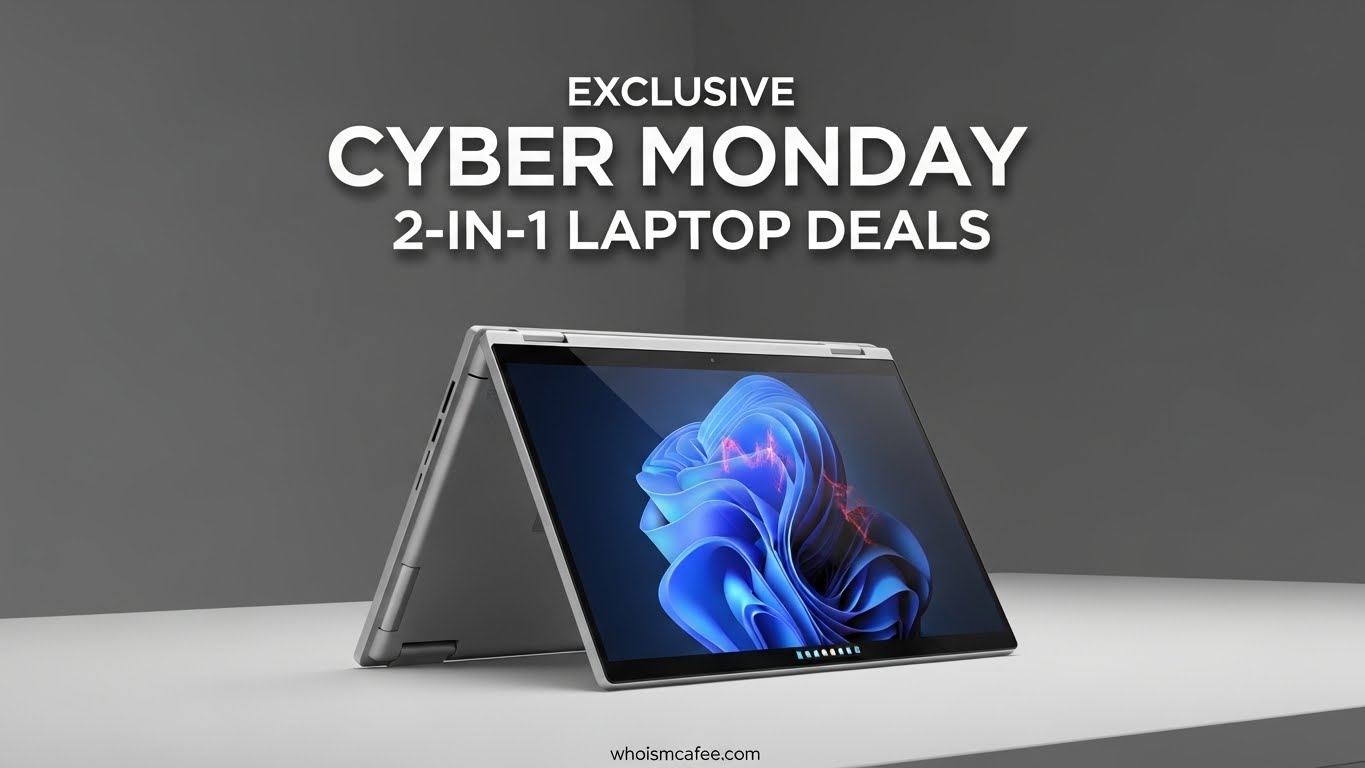
- Tent Mode: An inverted V-shape ideal for watching videos or presenting slides on a stable surface.
- Stand Mode: The keyboard faces downward, positioning the screen closer to the user for touch-based navigation.
- Tablet Mode: The display folds flat against the base, transforming the unit into a thick slate.
These machines generally offer heavier internal components, active cooling fans for sustained workloads, and robust port selections. The trade-off is added weight and thickness compared to dedicated tablets.
Detachables (Slate Hybrids)
Detachables feature a screen that completely separates from the keyboard dock, often utilizing magnetic pins and stabilizing kickstands. These devices prioritize portability and true tablet functionality. While they shine in digital note-taking and casual media consumption, their keyboard docks can feel cramped, and their thermal envelopes limit processor performance.
Key Hardware Specifications to Evaluate During Cyber Monday
Discounted pricing frequently hides aging components or underpowered configurations. To ensure long-term utility, buyers should analyze several critical hardware metrics before finalizing a purchase.
Processing Power (CPU)
The central processing unit dictates overall system responsiveness. When reviewing promotional listings, distinguish between current and legacy silicon generations.
- Entry-Level (Core i3 or Ryzen 3): Adequate for web browsing, word processing, and streaming. Ideal for tight budgets but prone to slowing down under heavy multitasking.
- Mid-Range (Core i5 or Ryzen 5): The sweet spot for price-to-performance value. These chips handle multitasking, spreadsheet management, and light creative software without throttling.
- High-End (Core i7/i9 or Ryzen 7/9): Necessary for resource-intensive workflows like 4K video editing, complex coding environments, and 3D rendering.
RAM and Storage Configurations
System memory (RAM) and solid-state storage (SSD) dictate how many applications can run simultaneously and how quickly files load.
- Memory: Avoid 4GB of RAM unless purchasing a strictly budget-oriented device for children. 16GB is the modern baseline for comfortable multitasking, while power users should target 32GB.
- Storage: 256GB NVMe SSDs represent the absolute floor for utility. Operating systems and modern applications consume disk space rapidly; 512GB or 1TB drives provide essential breathing room.
Display Quality and Stylus Support
Because 2-in-1 convertibles rely heavily on touch input, the screen is a vital interaction point. Look for displays featuring IPS or OLED panels with at least Full HD (1920x1080) resolution. Higher-end models offer QHD or 4K resolutions with DCI-P3 color accuracy, which benefits graphic designers and photographers. Furthermore, verify whether the display supports an active stylus (such as MPP or USI protocols) and if the pen is included in the box or sold separately.
| Component | Minimum Spec for Basic Use | Recommended Spec for Longevity | High-Performance Standard |
|---|---|---|---|
| Processor | Intel Core i3 / AMD Ryzen 3 | Intel Core i5 / AMD Ryzen 5 | Intel Core i7 / AMD Ryzen 7 |
| RAM | 8GB | 16GB | 32GB |
| Storage | 256GB SSD | 512GB NVMe SSD | 1TB+ NVMe PCIe 4.0 SSD |
| Display | 1080p IPS Touch | 1200p / 1440p IPS Touch | 2.8K or 4K OLED Touch |
| Stylus | Optional Support | Included Active Pen | Professional Pressure-Sensitive Pen |
Historic Pricing Trends and Cyber Monday Mechanics
Cyber Monday traditionally serves as the final clearance event for autumn electronics shopping, immediately following Black Friday. However, the retail landscape has evolved into a continuous promotional window spanning much of November.
Retailers often employ strategic discounting on convertibles by pairing specific configurations with bundled accessories or software subscriptions. To determine if a Cyber Monday deal is genuine, track price histories using independent aggregator tools in the weeks leading up to November. Be cautious of inflated "manufacturer suggested retail prices" (MSRP) that create an illusion of deep savings on discontinued chassis designs.
Major electronics vendors and direct-from-manufacturer storefronts (such as Dell, HP, and Lenovo) frequently offer steep clearance discounts on previous-generation models. While these machines feature older processors, they often maintain premium chassis builds, excellent keyboards, and robust port arrays, making them exceptional value propositions during holiday sales.
Evaluating Major Convertible Product Lines
Different manufacturing ecosystems cater to specific user profiles. Recognizing these product families helps buyers narrow their search before inventory depletes.
Premium Business and Productivity: Lenovo Yoga and ThinkPad Yoga
Lenovo pioneered many modern convertible concepts. The Yoga consumer line emphasizes sleek aluminum chassis, high-resolution Dolby Vision displays, and impressive battery longevity. For enterprise users, the ThinkPad Yoga series integrates legendary spill-resistant keyboards, military-grade durability testing, and integrated mechanical docking options.
Creative Professionals: HP Spectre and Envy x360
HP positions its Spectre line at the ultra-premium tier, featuring gem-cut aluminum chassis, privacy kill switches, and vibrant OLED panels. The Envy x360 series provides a more accessible entry point, balancing aluminum build quality with robust AMD Ryzen processor options that excel at sustained multi-core workloads without excessive heat generation.
Versatile Value: Microsoft Surface Pro and Laptop Studio
While Surface Pro devices utilize a detachable tablet-first approach with a removable keyboard cover, Microsoft's Laptop Studio series uses a pull-forward hinge design that bridges the gap between traditional clamshells and creative tablets. These devices integrate seamlessly with the Surface Pen ecosystem.
Common Pitfalls and How to Avoid Them
Holiday shopping rushes can lead to impulsive purchases that fail to meet daily computational needs. Keep the following operational realities in mind:
- Overlooking Weight Distribution: Convertibles in tablet mode can feel heavy and unbalanced during prolonged handheld reading. Test the physical weight specs if you plan to use tablet mode extensively.
- Ignoring Port Selection: Ultra-thin convertibles often drop legacy USB-A ports and HDMI outputs in favor of slim USB-C / Thunderbolt ports. Factor the cost of necessary USB-C hubs or dongles into your overall budget.
- Overpaying for Unused Graphics: Unless you intend to play modern 3D video games or render complex 3D assets, dedicated discrete graphics cards (such as NVIDIA GeForce chips) add unnecessary weight, cost, and heat generation to a convertible laptop. Integrated graphics are more than sufficient for everyday productivity and media consumption.
Frequently Asked Questions
Are Cyber Monday 2-in-1 laptop deals better than Black Friday deals?
Cyber Monday deals frequently match or slightly undercut Black Friday pricing, particularly on remaining online inventory and configure-to-order models. However, doorbuster stock on specific budget configurations often sells out during Black Friday, leaving Cyber Monday to focus on mid-range and premium convertible configurations.
Do 2-in-1 laptops break easily at the hinge?
Modern convertibles undergo rigorous stress testing, with hinges rated for tens of thousands of open-and-close cycles. While mechanical failure is rare in reputable brands, users should avoid picking up the laptop solely by its screen when it is open in laptop mode to prevent unnecessary torsional stress on the chassis.
Can I upgrade the RAM or storage on a convertible laptop later?
Most modern 2-in-1 laptops feature soldered RAM to maintain ultra-thin chassis profiles, meaning you cannot upgrade memory after purchase. Solid-state storage (SSD) is occasionally upgradeable via an accessible M.2 slot, but buyers should always purchase the RAM configuration they need for the device's entire lifespan.
Is an OLED screen worth the extra cost on a convertible?
OLED screens offer infinite contrast ratios, deep blacks, and vibrant color saturation, making them exceptional for media consumption and creative work. However, they consume slightly more battery power at high brightness levels and carry a higher purchase price compared to standard IPS panels.
Do I need a dedicated stylus, or can I use my fingers?
While touch input via fingers is standard for navigating tablet mode, digital artists, students, and professionals taking handwritten notes will benefit significantly from an active stylus with pressure sensitivity and palm rejection technology.
Final Recommendations for Secure Purchasing
When Cyber Monday arrives, prioritize retailers with transparent return policies, price-match guarantees, and comprehensive manufacturer warranties. Verify that the operating system license included is genuine (such as Windows 11 Home or Pro) and avoid third-party marketplace sellers offering unverified open-box units without adequate buyer protection. By focusing on core hardware specifications—specifically 16GB of RAM, a modern multi-core processor, and a solid-state drive—you can secure a high-performing convertible laptop that delivers lasting value for years to come.