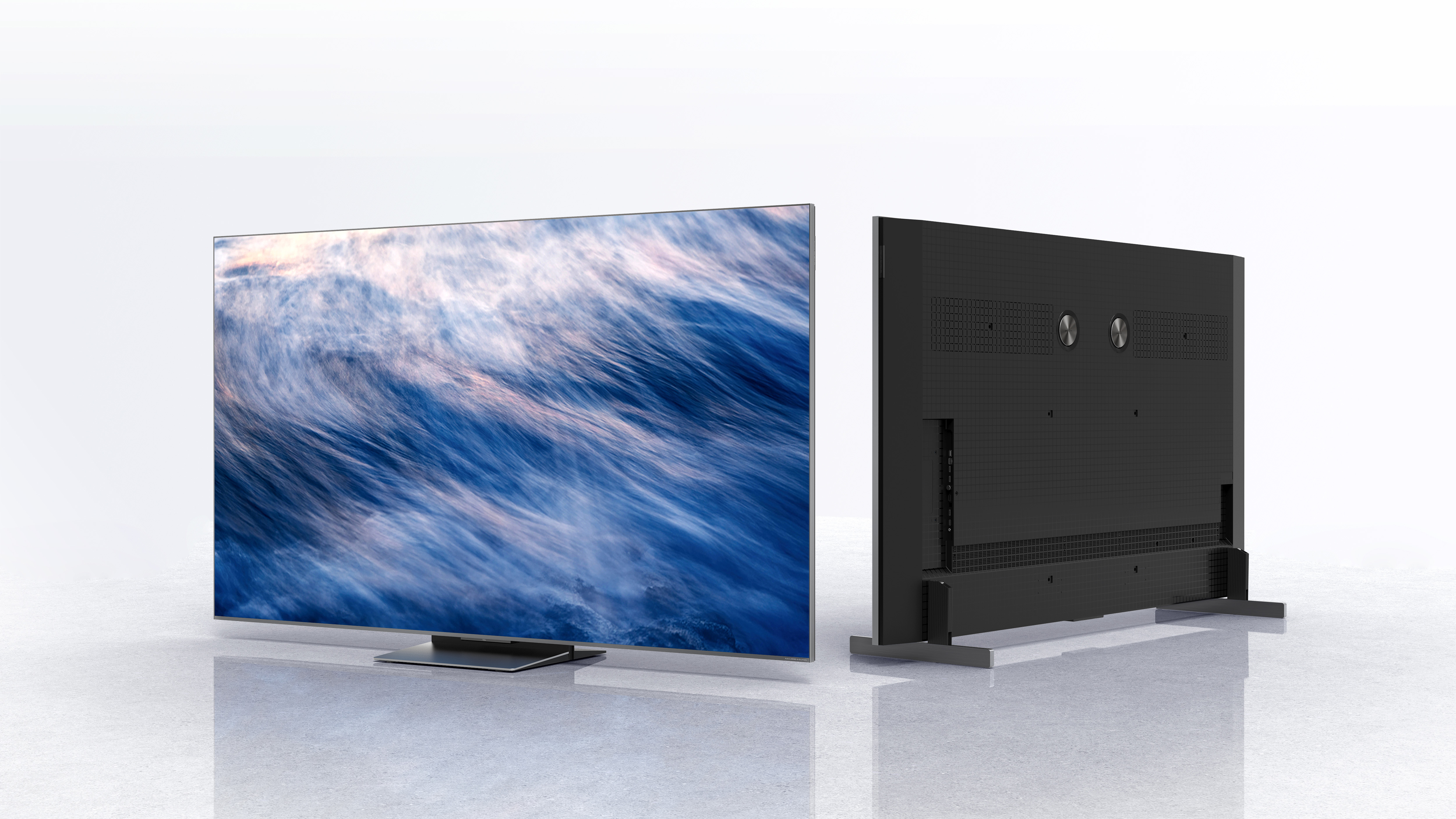
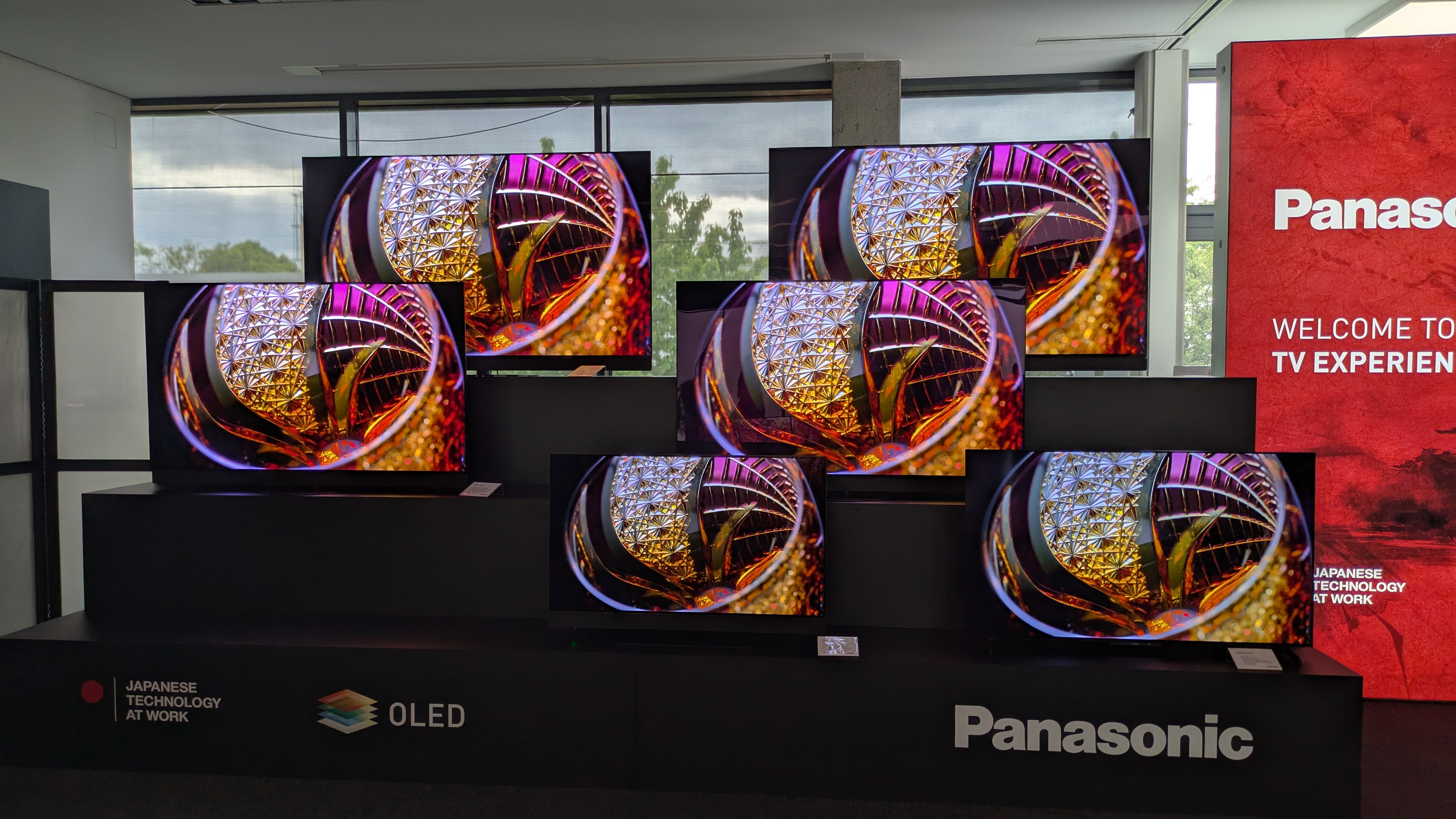
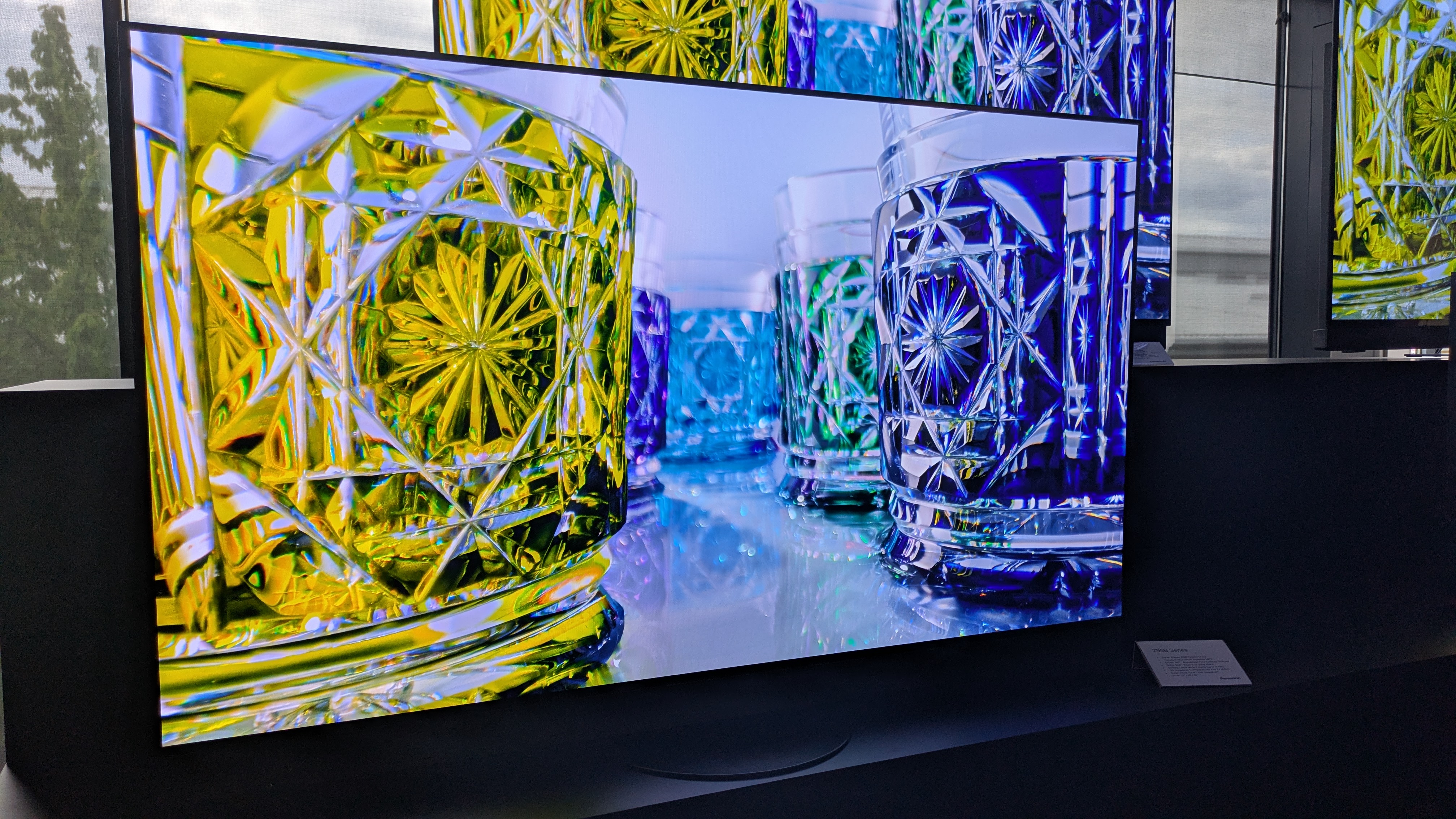
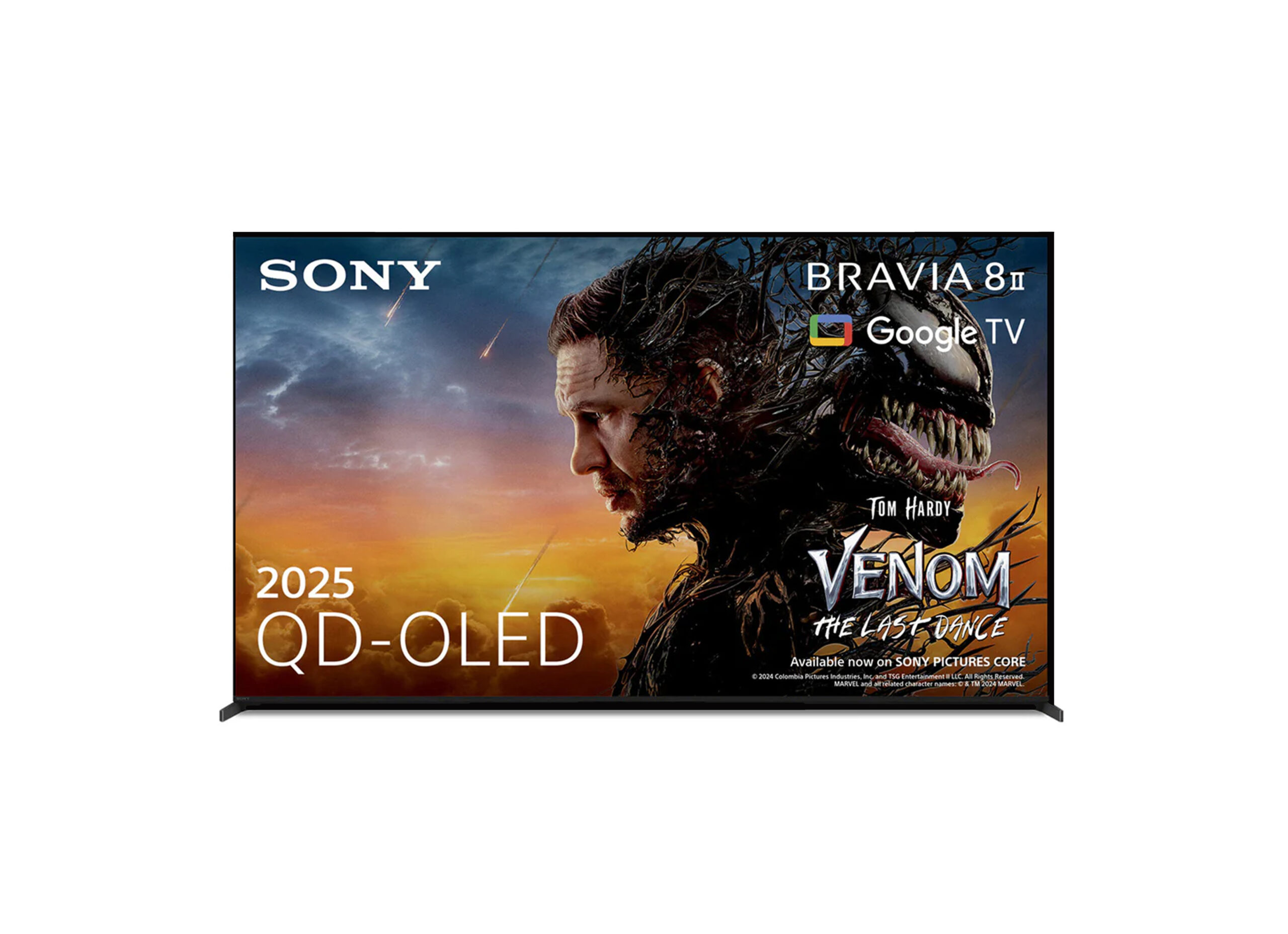
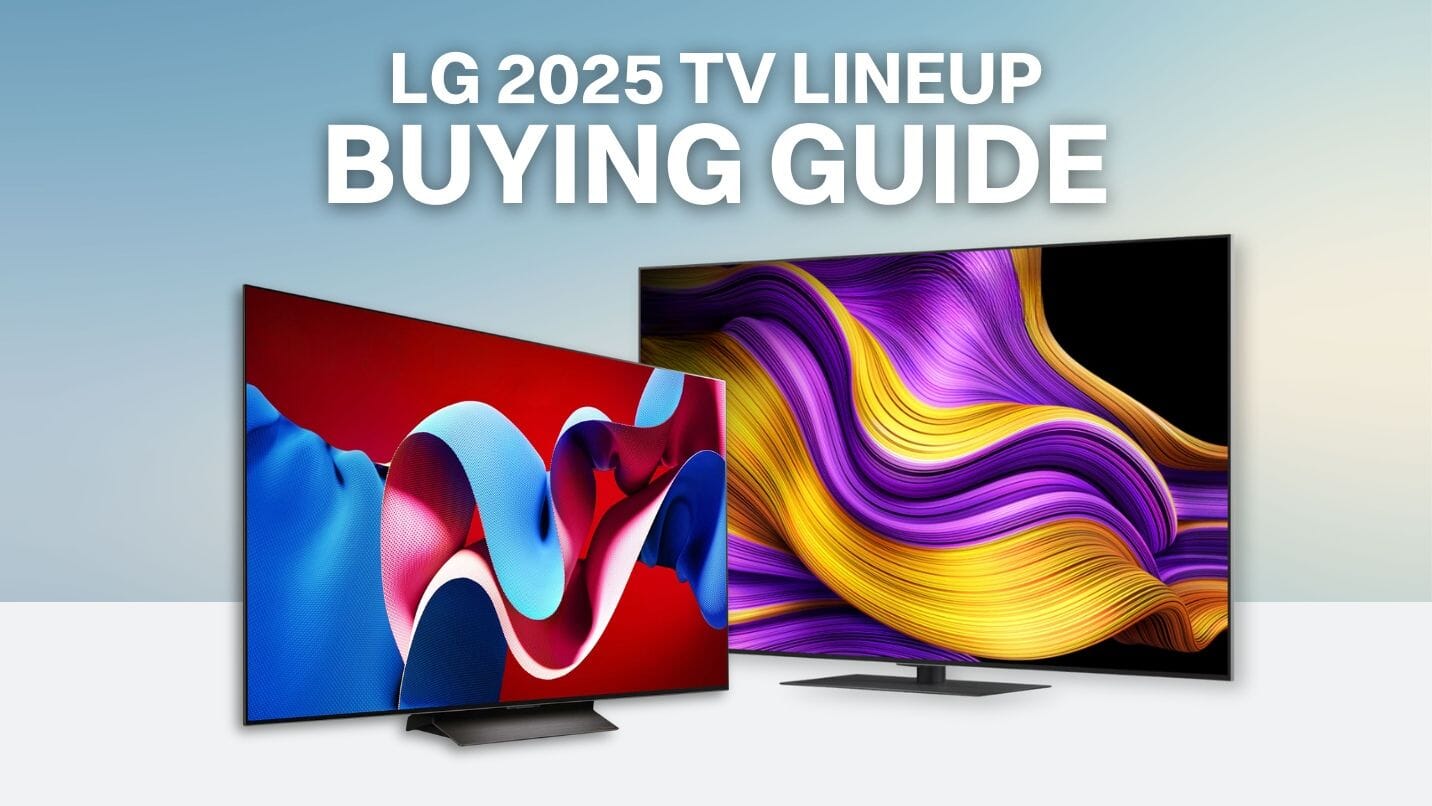
The 2025 TV market marks a major turning point for home entertainment, driven by the maturation of quantum dot organic light-emitting diode (QD-OLED) and micro-lens array (MLA) technologies, alongside advanced artificial intelligence upscaling processors that optimize native streaming content for high-refresh-rate displays.
Choosing a television requires balancing display panel technology, peak brightness capabilities, local dimming performance, and gaming specifications. As manufacturers refine their lineups, understanding the core differences between emerging display technologies helps buyers navigate a crowded market where marketing buzzwords often obscure actual performance metrics. This guide explores the foundational display types, key performance benchmarks, operational features, and selection criteria shaping the television landscape.
Understanding Modern TV Display Technologies
Navigating the current television market begins with understanding how different display panels produce light and color. Panel architecture dictates everything from contrast ratios and black levels to off-axis viewing angles and energy consumption.
OLED and Its Evolutions: WOLED vs. QD-OLED
Organic Light-Emitting Diode (OLED) technology remains the gold standard for dark-room viewing because every individual pixel generates its own light, allowing pixels to turn completely off to achieve true black. However, 2025 displays highlight the divergence between two primary OLED sub-technologies: White OLED (WOLED) and Quantum Dot OLED (QD-OLED).
WOLED panels, traditionally championed by LG Display, utilize a white sub-pixel structure alongside a color filter. To boost brightness, manufacturers integrated Micro-Lens Array (MLA) technology, which uses billions of microscopic lenses to redirect light outward that would otherwise be trapped inside the panel. This significantly increases peak brightness without sacrificing the infinite contrast ratio inherent to self-emissive displays.
QD-OLED technology, developed primarily by Samsung Display, combines a blue OLED self-emissive layer with quantum dot conversion filters. Because it skips the traditional white sub-pixel and color filter layer, QD-OLED panels deliver superior color volume and wider color gamuts at high luminance levels. Buyers looking for vibrant highlights and saturated wide-gamut content often lean toward QD-OLED, while those prioritizing maximum sustained brightness in brightly lit rooms look closely at MLA-equipped WOLED options.
Mini-LED Backlighting and LCD Refinements
While OLED dominates the high-end enthusiast segment, Liquid Crystal Display (LCD) televisions backed by Mini-LED technology have closed the gap significantly. Traditional LED backlighting uses dozens or hundreds of dimming zones, often resulting in "blooming"—where light bleeds from bright objects onto surrounding dark areas.
Mini-LED technology shrinks the backlight diodes significantly, allowing manufacturers to pack thousands of individual zones into a single panel. Combined with sophisticated local dimming algorithms, Mini-LED TVs achieve contrast levels that rival older OLED panels while delivering vastly superior peak brightness levels. For sunlit living rooms and media spaces with high ambient light, a high-end Mini-LED television often provides a more impactful visual experience than a standard OLED.
Key Performance Metrics to Evaluate
When comparing television specifications, manufacturers often highlight peak brightness, color accuracy, and refresh rates. Evaluating these metrics objectively prevents purchasing decisions based solely on marketing claims.
- Peak Brightness (Nits): Measured in candelas per square meter (nits), peak brightness determines how well a television handles HDR (High Dynamic Range) content and ambient room light. High-end displays achieve peak highlights exceeding 2,000 to 3,000 nits, though sustained brightness across a full white window is usually lower to protect the panel.
- Color Gamut and Volume: Color gamut refers to the range of colors a TV can display, typically measured against the DCI-P3 or Rec. 2020 color spaces. Color volume adds a third dimension—brightness—ensuring that colors remain saturated even when the display is operating at peak luminance.
- Refresh Rate and Motion Handling: Native 120Hz and 144Hz panels provide the fluid motion required for fast-paced sports and modern console gaming. Motion interpolation features can smooth out judder, but purists typically disable them to avoid the "soap opera effect."
| Display Technology | Contrast Ratio | Peak Brightness | Risk of Burn-In | Best Suited For |
|---|---|---|---|---|
| QD-OLED | Infinite | High | Very Low (Managed) | Dedicated home theaters, HDR gaming |
| WOLED with MLA | Infinite | Very High | Very Low (Managed) | Mixed-lighting rooms, cinematic viewing |
| Mini-LED LCD | High (Local Dimming) | Extremely High | None | Bright living rooms, sports, bright environments |
| Standard LED/LCD | Moderate | Moderate | None | Budget-conscious setups, secondary rooms |
AI Processing and Upscaling Capabilities
A defining characteristic of modern televisions is the integration of dedicated neural processing units (NPUs) running artificial intelligence and machine learning algorithms. Because much of broadcast television and streaming media is still delivered in 1080p (Full HD) or compressed 4K, the television's internal processor must upscale this material to fit native 4K or 8K display grids.
Older upscaling methods relied on basic bicubic scaling, which often resulted in soft edges or exaggerated digital artifacts. Modern processors analyze image content frame-by-frame, utilizing trained neural networks to recognize textures such as skin, fabric, and foliage. By applying context-aware sharpening and noise reduction, these processors reconstruct fine details that would otherwise be lost in low-resolution sources.
However, users should exercise caution with aggressive AI settings. Over-processed images can look unnatural, introducing a synthetic, plastic-like texture to human subjects. Selecting a balanced or cinema-oriented picture preset usually yields the most faithful representation of the source material.
Gaming and Connectivity Standards
The modern television functions as a primary hub for entertainment, doubling as a high-performance computer monitor and console display. Consequently, modern connectivity standards have evolved to handle high-bandwidth signals without latency.
HDMI 2.1 ports are now standard on mid-to-high-end televisions, enabling features essential for contemporary gaming consoles like the PlayStation 5 and Xbox Series X:
- Variable Refresh Rate (VRR): Synchronizes the display's refresh rate with the output of the gaming console or PC, eliminating screen tearing and minimizing input lag.
- Auto Low Latency Mode (ALLM): Automatically switches the television into its lowest-latency game mode when a game is launched, bypassing unnecessary image processing pipelines.
- 4K at 120Hz/144Hz Support: Allows ultra-smooth motion rendering at high resolutions, providing a competitive edge in fast-paced titles.
In addition to HDMI 2.1, advanced audio return channel (eARC) connectivity ensures lossless audio formats like Dolby Atmos can be passed seamlessly from the TV to a dedicated soundbar or AV receiver.
Smart TV Platforms and Operating Systems
The interface powering a television dictates its long-term usability. Software ecosystems have become battlegrounds for user data and advertising revenue, leading to varied user experiences across different manufacturers.
Google TV and Roku OS remain popular for their expansive app libraries and straightforward, content-first recommendation engines. WebOS (LG) and Tizen (Samsung) offer polished, proprietary interfaces with deep integration into smart home ecosystems. Key considerations when evaluating a smart TV platform include:
- App Ecosystem Availability: Ensure the platform supports all major subscription services, local catch-up apps, and niche streaming providers.
- Privacy and Ad Controls: Review how aggressively the platform tracks viewing habits for targeted advertising and whether tracking can be disabled in settings.
- Processor Speed and Responsiveness: A sluggish interface frustrates users; modern displays require robust quad-core processors and sufficient RAM to navigate menus fluidly.
Common Pitfalls and Selection Mistakes
Buyers navigating the market often encounter common traps that lead to buyer's remorse. Avoiding these pitfalls ensures a more satisfying long-term investment.
- Chasing Resolution Over Panel Quality: An 8K television offers little benefit if the underlying panel lacks sufficient local dimming zones or peak brightness capabilities. A high-quality 4K display almost always outperforms a budget 8K model.
- Ignoring Room Lighting Conditions: Purchasing a glossy-screen OLED for a sunlit room with uncovered windows will result in severe reflections. Conversely, buying a basic edge-lit LCD for a dark home theater leads to poor black levels and light bleed.
- Overlooking Audio Quality: Modern televisions are increasingly thin, leaving virtually no physical room for competent internal speakers. Factoring the cost of a soundbar or external audio system into the purchase budget is essential for a complete entertainment experience.
Frequently Asked Questions
Is it worth buying an 8K television?
For the vast majority of consumers, 8K televisions are unnecessary. There is a severe lack of native 8K content, and while upscaling engines do an admirable job of blowing up 4K and 1080p content, the visible difference in sharpness from a normal viewing distance is negligible compared to a high-end 4K display.
What is the difference between OLED burn-in and image retention?
Image retention is a temporary phenomenon where a faint trace of a static image remains on the screen, disappearing after normal content plays. OLED burn-in is permanent pixel degradation caused by displaying static elements (like news tickers or HUDs) at high brightness for thousands of hours. Modern OLED panels feature automatic pixel-shifting and logo-dimming safeguards that make burn-in rare under normal viewing conditions.
Do I need HDMI 2.1 if I do not game?
If you only watch movies via streaming apps or cable boxes, HDMI 2.1 provides little functional benefit over HDMI 2.0. HDMI 2.1 is specifically required for high-frame-rate gaming (4K at 120Hz+) and uncompressed audio passthrough via eARC to complex external sound systems.
How do I clean a modern TV screen safely?
Modern display panels—especially those with specialized anti-reflective or matte coatings—are delicate. Never use glass cleaners containing ammonia, alcohol, or abrasive agents, as these can strip the coating. Instead, power off the TV, gently wipe dust away with a dry microfiber cloth, and use a lightly water-dampened microfiber cloth for stubborn smudges.
Can I calibrate my TV myself, or do I need a professional?
Basic calibration can be performed using built-in test patterns and reference scenes, adjusting settings like backlight, contrast, and color tint. However, achieving accurate color science calibrated to industry standards (ISF/Calibration) requires specialized colorimeters, spectrophotometers, and software tools typically operated by certified professionals.
Conclusion and Next Actions
Selecting the right television requires balancing panel technology against your specific room environment and viewing habits. Assess your primary use case—whether it is cinematic movie viewing in a dark room, competitive gaming, or casual daytime television watching—and match it with the appropriate display architecture, such as QD-OLED, WOLED, or Mini-LED. Before finalizing a purchase, verify connectivity requirements, plan for external audio solutions, and review return policies to ensure the display meets your expectations in your home environment.