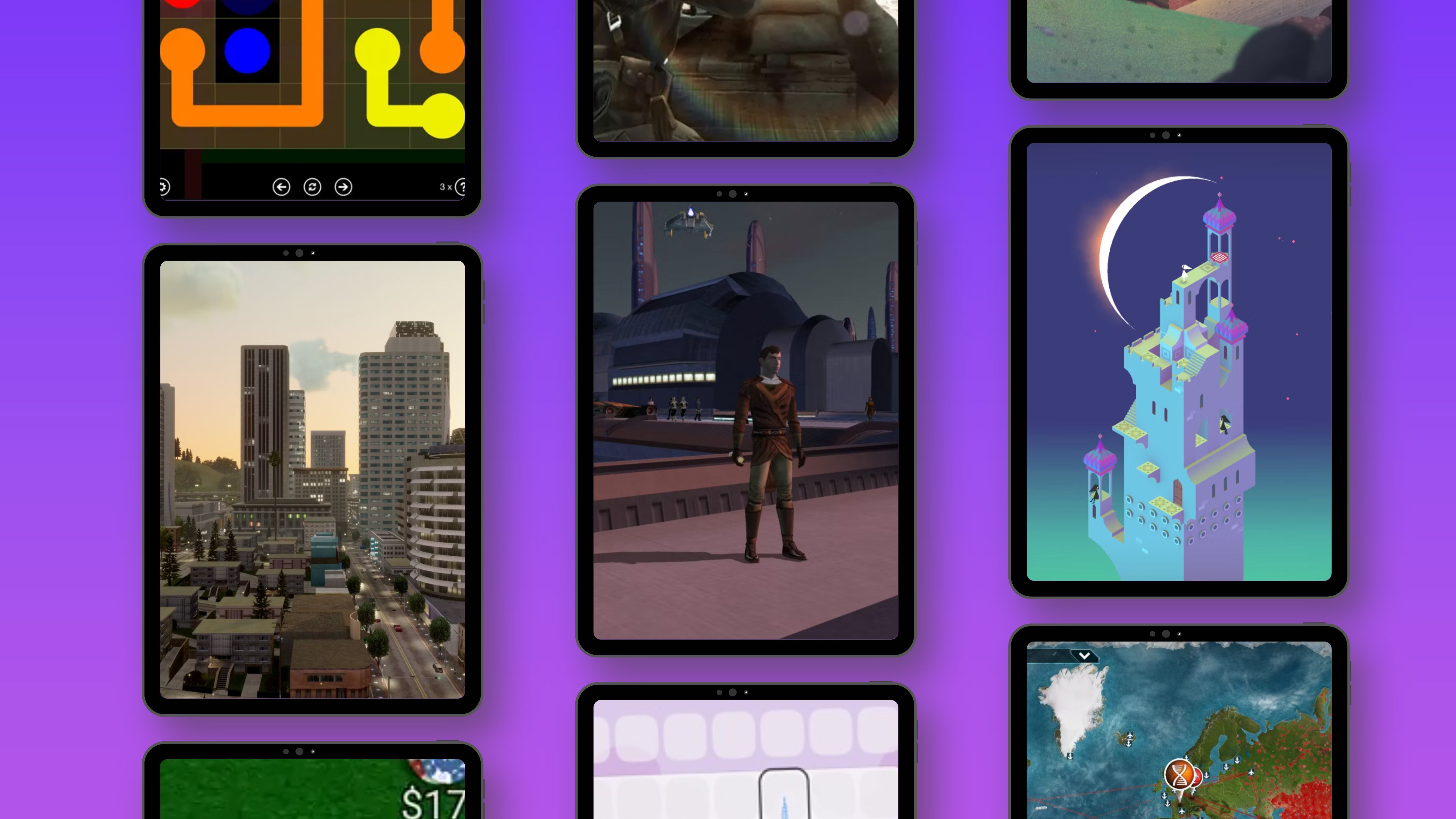
The Apple iPad has evolved into an exceptionally capable mobile gaming powerhouse. Powered by advanced M-series silicon and featuring stunning ProMotion displays, tablet hardware easily handles sophisticated multiplayer titles. Whether you are sitting across from a friend on the couch, coordinating a tactical strike from different continents, or hosting a family game night, the iPad ecosystem offers robust cooperative and competitive options. Selecting the right titles requires understanding network performance, hardware optimization, and interaction modes. This guide breaks down the premier multiplayer iPad games available in 2026, analyzing mechanics, setup requirements, and practical tips for seamless sessions.
Categorizing Multiplayer iPad Experiences
Navigating the App Store requires distinguishing between different types of multiplayer engagement. Knowing whether a game demands a local Wi-Fi connection, a Bluetooth pairing, or stable cloud servers prevents connectivity frustrations before a match begins.
Local Wireless and Pass-and-Play Dynamics
Local multiplayer remains a staple for gatherings, road trips, and classrooms. These games minimize latency by utilizing direct device-to-device communication protocols or shared-screen mechanics.
- Shared Screen Interaction: Multiple players touch the same iPad screen simultaneously, making games with minimalist controls and turn-based mechanics ideal.
- Local Area Network (LAN): Devices connect via the same wireless router without relying on external game servers, ensuring zero lag during high-intensity matches.
- Bluetooth Direct Connect: Peer-to-peer pairing allows two iPads to link directly in remote locations without internet coverage.
Cross-Platform and Cloud-Based Environments
Modern online multiplayer relies heavily on persistent servers, allowing iPad users to seamlessly join matches with players on iPhone, Mac, Windows PCs, and gaming consoles.
- Cross-Play Infrastructure: Games supporting unified account systems let you maintain progression across multiple devices while playing with a friend regardless of their hardware preference.
- Voice Integration: Integrated Discord APIs or built-in voice chat protocols allow for real-time tactical communication during cooperative sessions.
Top-Tier iPad Multiplayer Games for 2026
The following curated selection represents the gold standard of iPad multiplayer gaming, categorized by genre, hardware demands, and social dynamics.
| Game Title | Genre | Max Players | Connection Type | Hardware Requirements |
|---|---|---|---|---|
| Among Us | Social Deduction | 10 Players | Online / Local Wi-Fi | iPadOS 13.0 or later, basic specs sufficient |
| Sky: Children of the Light | Open-World Adventure | 8+ Players | Online Cloud | iPadOS 12.0+, M-series or recent A-series recommended |
| Call of Duty: Mobile | Tactical Shooter | 10 Players (Battle Royale / Multiplayer) | Online Cloud | iPadOS 13.0+, High refresh rate display recommended |
| Exploding Kittens | Turn-Based Card Game | 5 Players | Local Wi-Fi / Online | iPadOS 11.0+, minimal processing demand |
| Brawl Stars | Fast-Paced Arena Fighter | 6 Players (3v3) | Online Cloud | iPadOS 11.0+, stable internet connection required |
Social Deduction and Casual Party Games
For groups looking for immediate engagement without steep learning curves, casual and social deduction titles excel. These games prioritize communication, bluffing, and lighthearted competition.
- Among Us: This classic social deduction title remains a staple on iPad due to intuitive touch controls and cross-platform compatibility. Crewmates must complete tasks while identifying hidden impostors among their friends. Voice chat integration elevates the experience, turning every emergency meeting into a debate.
- Exploding Kittens: Ideal for quick matches, this digital card adaptation supports pass-and-play as well as online multiplayer. The rule set is simple, yet strategic card hoarding and defusal management create high-stakes tension among friends.
Co-Operative Exploration and Action
Cooperative games test communication and shared problem-solving skills, making them fantastic choices for duos and small squads.
- Sky: Children of the Light: This visually breathtaking open-world title encourages cooperative exploration. Players hold hands to navigate treacherous realms, solve environmental puzzles, and uncover hidden lore. The game utilizes optimized rendering engines that look stunning on modern iPad Pro and iPad Air displays.
- Brawl Stars: Delivering fast-paced 3v3 arena combat, Brawl Stars is optimized for quick matchmaking and fluid touch controls. Coordinating ultimate abilities with your team requires precise spatial awareness and quick reflex adjustments on the iPad screen.
Optimizing Your iPad for Competitive Multiplayer
Hardware performance directly impacts your success and enjoyment in fast-paced multiplayer games. Unlike casual puzzle apps, competitive titles demand consistent frame rates and reliable network throughput.
Network Stability Tips Bandwidth Allocation: Prioritize your iPad on a 5GHz Wi-Fi band or utilize a high-speed Wi-Fi 6/7 router to eliminate packet loss and latency spikes during real-time combat games. Background Process Management: Close memory-intensive background applications prior to launching graphical powerhouses like Call of Duty: Mobile to prevent thermal throttling and frame drops.
Controller Support and Ergonomics
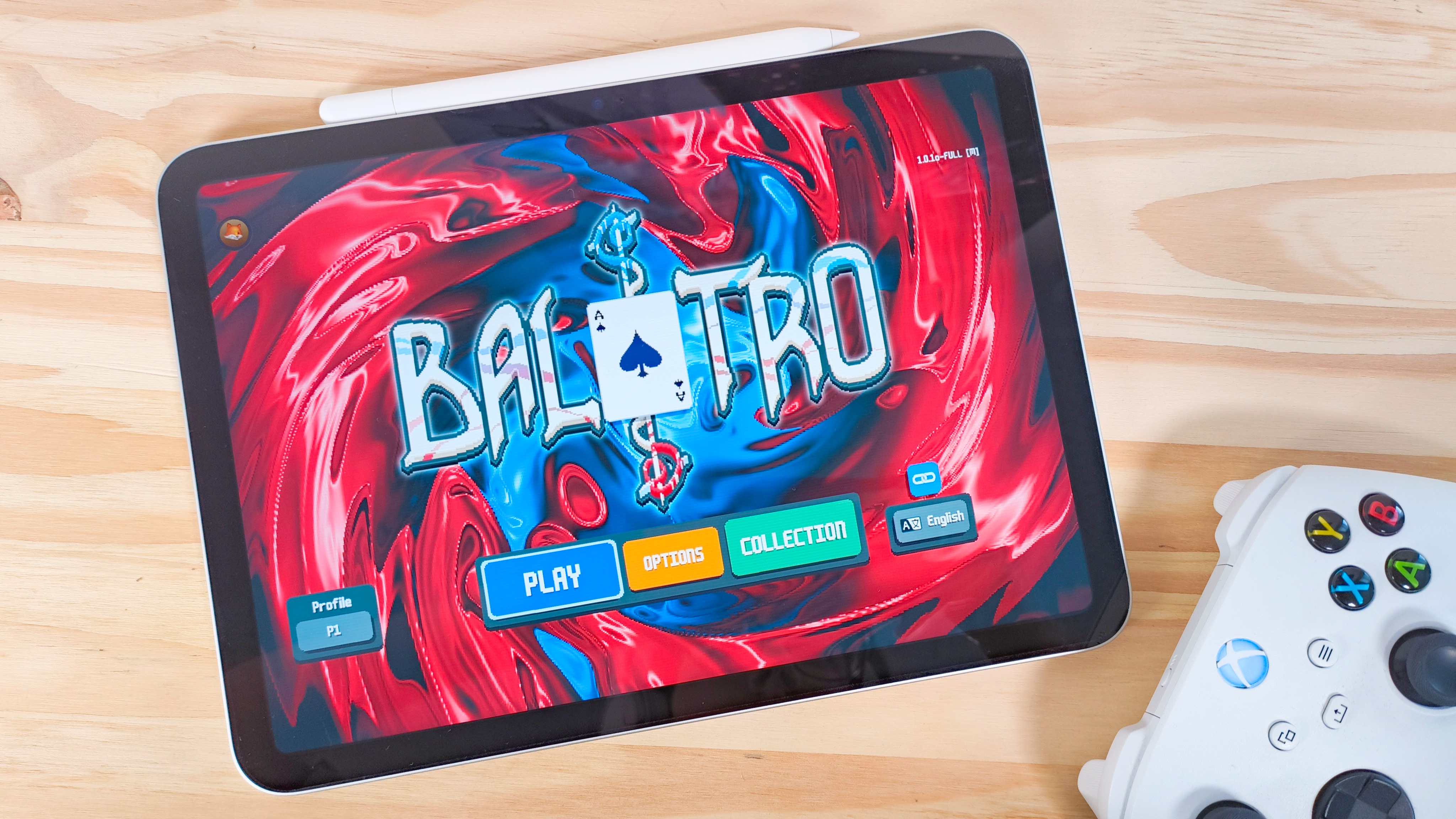
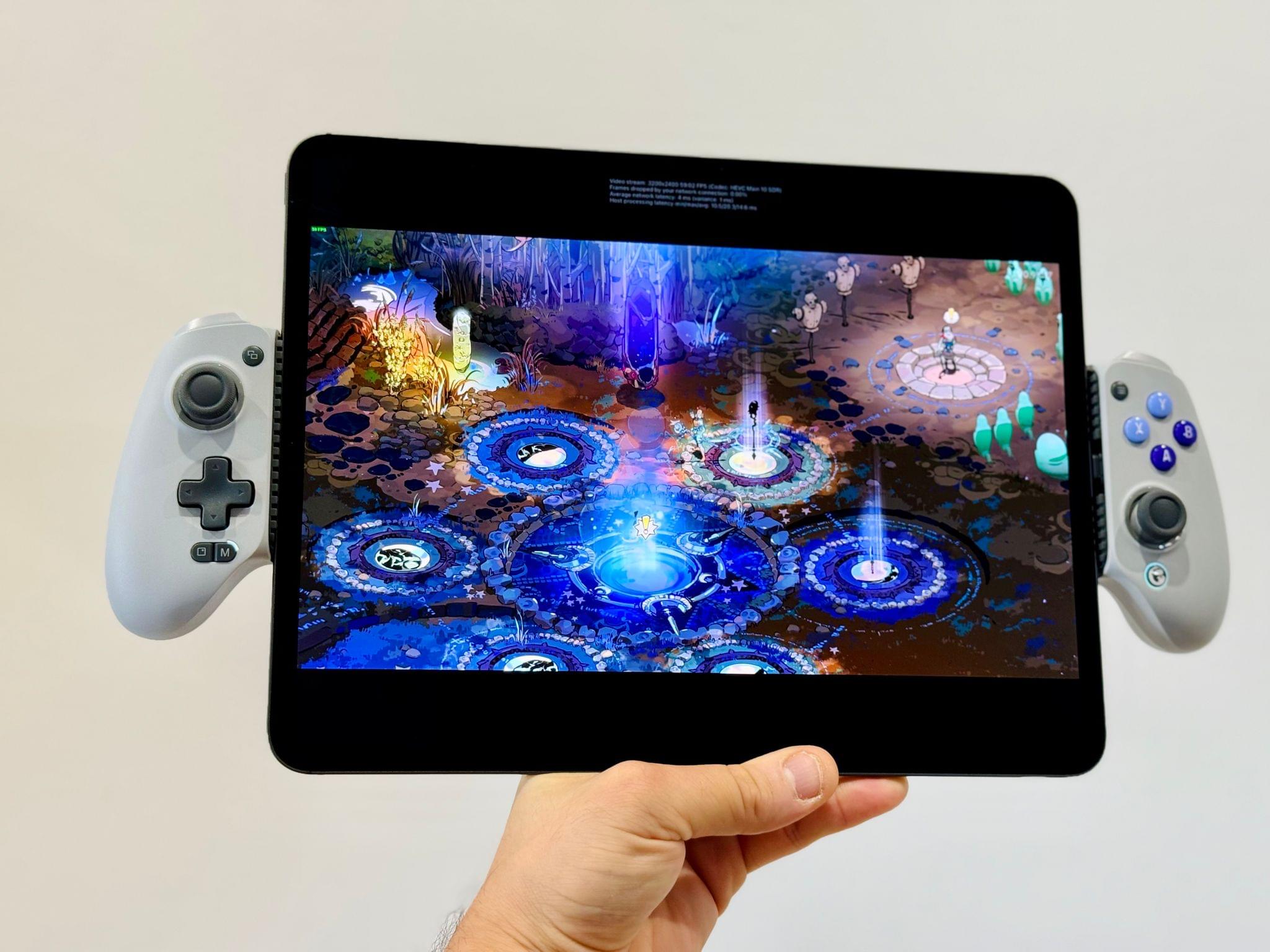
While touchscreens have improved drastically, certain genres benefit immensely from physical controllers. iPads natively support Bluetooth controllers, including Xbox Wireless Controllers, PlayStation DualSense gamepads, and MFi-certified mobile grips.
- Shooters and Action Games: Connecting a physical gamepad provides precise analog stick movement and tactile trigger feedback, leveling the playing field against console and PC cross-play opponents.
- Ergonomic Considerations: Extended gaming sessions on a standard iPad can cause wrist fatigue. Utilizing a tabletop stand combined with a detached wireless controller offers a much more comfortable posture for long multiplayer marathons.
Pros and Cons of iPad Multiplayer Gaming
Evaluating the strengths and limitations of the iPad as a multiplayer gaming platform helps set realistic expectations for your sessions.
Advantages
- Portability and Power: Modern iPads deliver console-quality graphics in a form factor that fits into a backpack, allowing for impromptu LAN parties anywhere.
- Ecosystem Versatility: Cross-play functionality ensures you can easily connect with friends regardless of whether they are gaming on a phone, computer, or console.
- Accessibility: Many top multiplayer titles are free-to-play or low-cost, lowering the barrier to entry for a game night group.
Disadvantages
- Thermal Limitations: Passively cooled tablet chassis can warm up during extended gaming sessions, leading to automated CPU/GPU downclocking to manage heat.
- Screen Real Estate Management: Large iPad Pro models feature fantastic screens, but holding them for hours during frantic action games can strain hands unless mounted or paired with a controller.
Step-by-Step Guide: Hosting an iPad Game Night
Organizing a seamless multiplayer session with friends requires a brief checklist to ensure everyone can jump straight into the action without technical hurdles.
- Synchronize App Versions: Ensure all participants have updated the chosen game to the exact same version via the App Store to avoid connection errors caused by version mismatches.
- Establish the Communication Channel: Set up an external communication app like Discord, FaceTime, or a group phone call if the game lacks built-in voice chat.
- Configure Private Lobbies: Create a private room or match code within the game settings to restrict entry to your invited group.
- Check Battery and Power Access: Plug your iPads into power adapters or portable power banks, as multiplayer gaming drains batteries significantly faster than media consumption.
- Verify Wi-Fi Integrity: Confirm all local players are connected to a stable network frequency before initiating ranked or cooperative matches.
Frequently Asked Questions
Can I play iPad games with friends who are using Android or PC devices?
Yes, many major multiplayer iPad games feature robust cross-platform play that lets you connect seamlessly with users on Android, Windows, Mac, and consoles. Titles like Among Us and Call of Duty: Mobile support fully integrated cross-play lobbies.
Do I need to buy a game controller to enjoy multiplayer iPad games?
No, touch controls are fully optimized for the vast majority of App Store multiplayer titles. However, connecting a Bluetooth gamepad is highly recommended for first-person shooters and fast-paced action games to gain a competitive edge.
How can I reduce lag when playing online games on my iPad?
Ensure your device is connected to a stable 5GHz Wi-Fi network rather than a congested 2.4GHz band. Additionally, disabling background app refresh and closing heavy browser tabs will free up vital system RAM and network bandwidth.
Are there good local multiplayer iPad games that do not require an internet connection?
Yes, titles supporting local Wi-Fi LAN connections or pass-and-play mechanics allow you to play with friends in the same room without needing an active internet connection or cellular data plan.
What iPad models offer the best performance for heavy multiplayer games?
Models featuring Apple M-series chips, such as the iPad Pro and iPad Air lines, deliver exceptional graphical fidelity, high refresh rates, and sustained performance required for intensive modern titles.
Conclusion
Choosing the right iPad games to play with friends transforms a standard tablet into a vibrant social hub. Whether you prefer the strategic tension of social deduction, the cooperative depth of open-world exploration, or the fast-paced adrenaline of arena combat, the iPad ecosystem delivers incredible variety. By optimizing your network, utilizing proper hardware accessories, and syncing game versions ahead of time, you ensure an uninterrupted, highly engaging gaming experience for your next session.