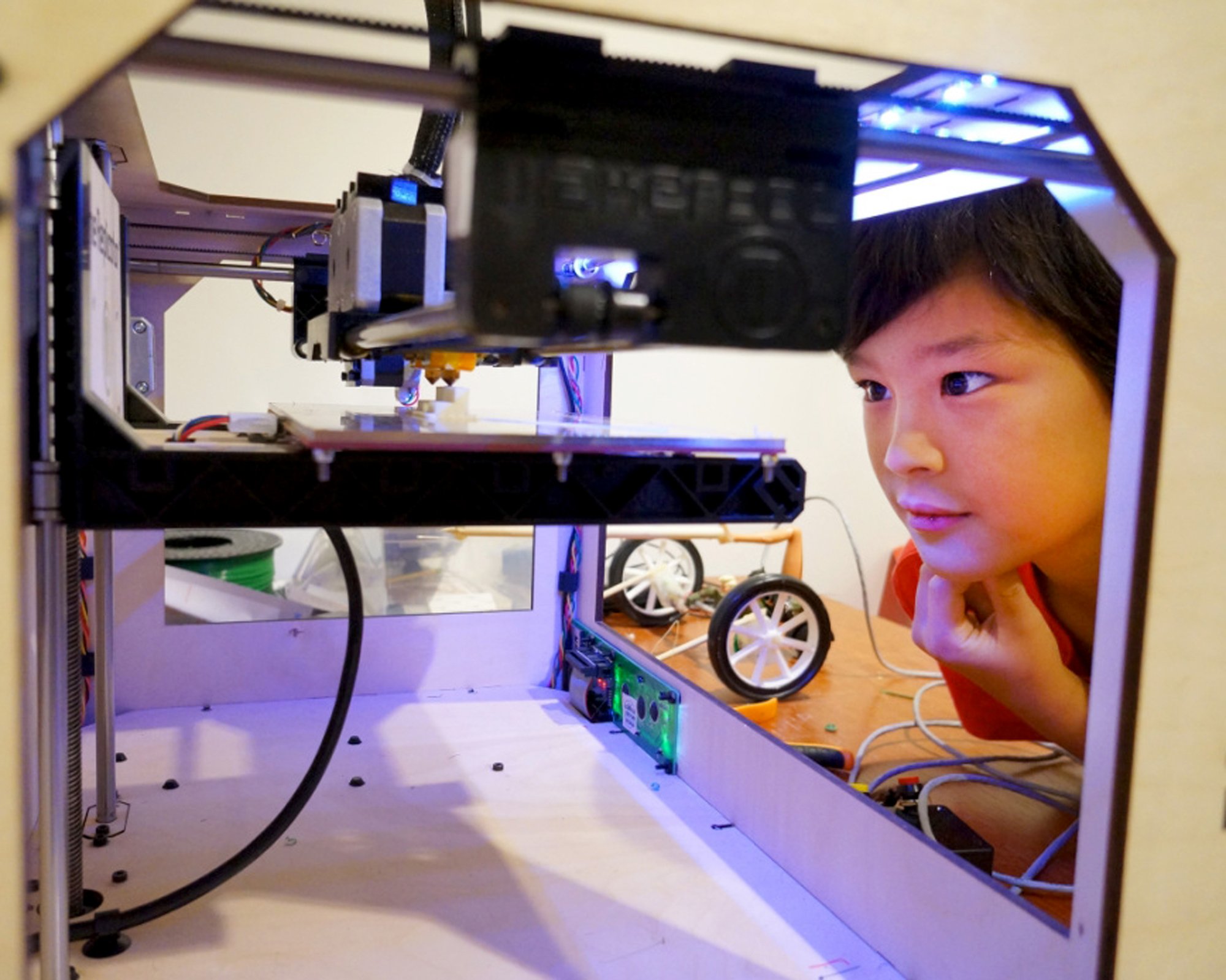
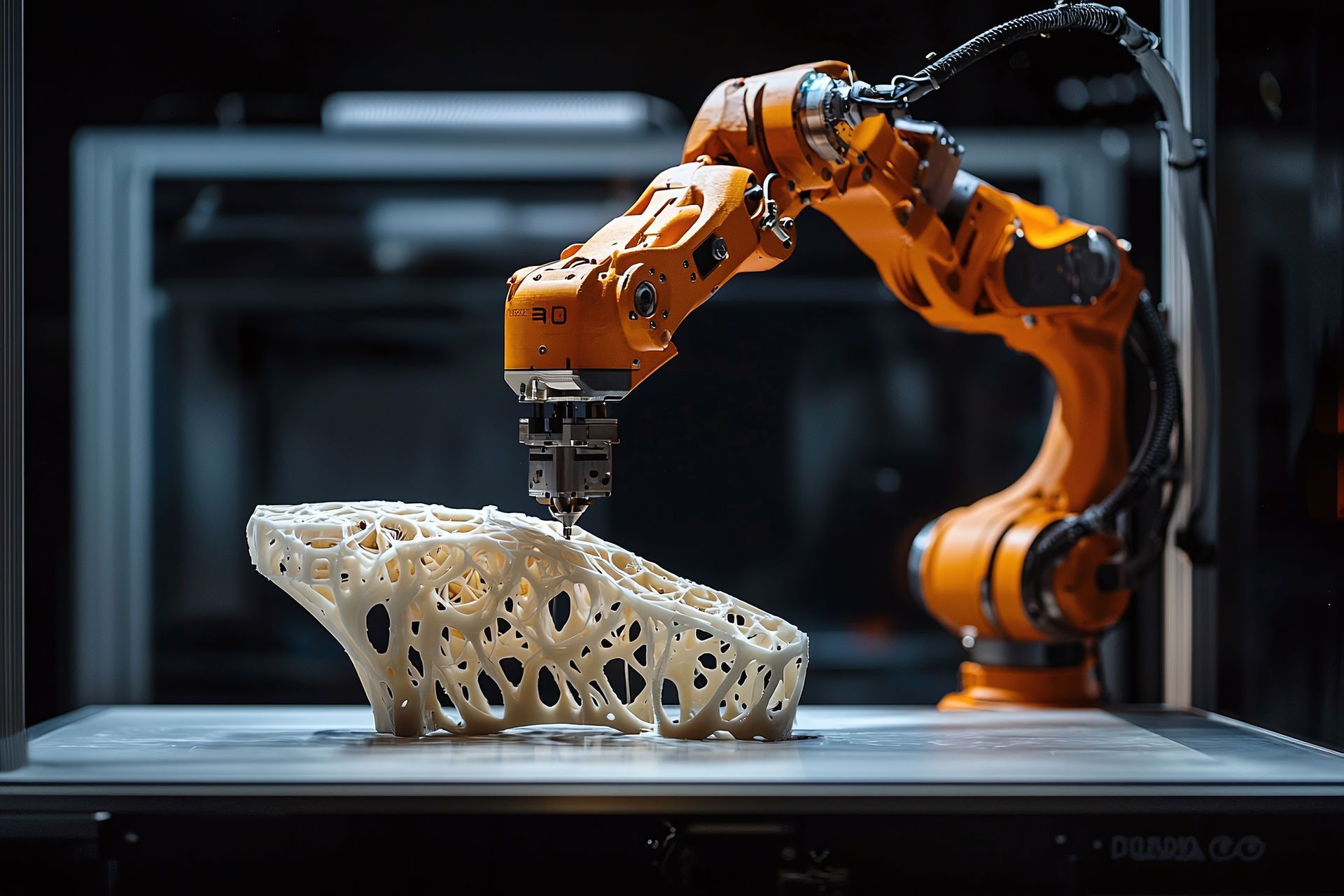
The 3D printing community is a vast, decentralized global network of hobbyists, professional engineers, designers, and educators who share knowledge, troubleshoot hardware, and exchange digital design files across specialized online platforms, physical makerspaces, and open-source software repositories.
Evolution and Structure of the 3D Printing Ecosystem
The 3D printing community has grown from a niche group of early adopters modifying Industrial-grade RepRap machines into a mainstream technological movement. This expansion has shaped a distinct cultural and technical ecosystem where hardware developers, software engineers, and creative makers interact through both digital channels and physical infrastructure. Understanding how this ecosystem is structured helps new participants find the right resources, whether they are looking for design files, firmware support, or collaborative engineering projects.
Digital Platforms and Forums
Online forums and discussion boards form the backbone of community troubleshooting and innovation. Platforms like Reddit (particularly communities such as r/3Dprinting, r/functionalprint, and r/FixMyPrint) serve as real-time help desks where users post diagnostic images of failed prints and receive peer-to-peer advice within minutes. Dedicated web forums, including the official PrusaPrinters community and specialized Discord servers, offer structured channels for specific printer models, slicing software, and post-processing techniques.
Repository Networks and Open-Source Collaboration
Sharing digital models is central to the community's collaborative spirit. Platforms such as Printables, Thingiverse, and Cults3D host millions of user-submitted stereolithography (STL) and 3MF files. These repositories rely on licensing models like Creative Commons, allowing creators to specify whether others can modify, commercialize, or share their designs. Open-source firmware projects like Marlin and Klipper, along with slicing software such as OrcaSlicer, PrusaSlicer, and Cura, are developed and maintained through collaborative coding repositories like GitHub, driven by community contributions and bug reports.
Physical Makerspaces and Local Hubs
Beyond the internet, the 3D printing community thrives in physical environments known as makerspaces, hackerspaces, and fab labs. These shared workshops provide members with access to industrial-grade additive manufacturing equipment—such as selective laser sintering (SLS) printers, large-format filament extruders, and resin curing stations—that are often cost-prohibitive for individual hobbyists. Local meetups, maker faires, and repair cafés further connect practitioners, fostering regional networks of mentorship and collaborative fabrication.
Core Technologies and Specializations
Additive manufacturing encompasses a wide array of distinct technologies, each supported by specialized sub-communities. Engaging effectively requires understanding these technical domains and their specific operational requirements.
Fused Deposition Modeling (FDM)
Fused Deposition Modeling, or Fused Filament Fabrication (FFF), remains the most accessible and widely utilized 3D printing method. The FDM sub-community focuses heavily on hardware customization, ranging from upgrading stock hotends and direct-drive extruders to calibrating linear advance and input shaping in firmware. Discussions frequently center on material science—optimizing print temperatures, enclosure designs, and drying protocols for engineering-grade thermoplastics like ABS, ASA, Nylon, and carbon-fiber composites.
Stereolithography (SLA) and Resin Printing
SLA, Digital Light Processing (DLP), and Liquid Crystal Display (LCD) resin printing cater to users requiring high-detail miniatures, jewelry molds, and dental prototypes. The resin printing community places a strong emphasis on chemical safety, ventilation, and post-processing workflows. Because liquid photopolymer resins are toxic and require hazardous waste disposal, community forums dedicate significant resources to safe washing techniques using isopropyl alcohol or water, proper ultraviolet (UV) curing parameters, and personal protective equipment (PPE) protocols.
Selective Laser Sintering (SLS) and Industrial Processes
While traditionally restricted to industrial manufacturing facilities, open-source SLS projects and desktop powder bed fusion machines are slowly entering advanced enthusiast circles. Communities surrounding industrial methods focus heavily on powder safety, laser optics calibration, and structural density optimization. These users often bridge the gap between hobbyist fabrication and professional rapid prototyping, collaborating on software toolpaths and powder recycling methodologies.
| Technology Type | Primary Material Form | Common Applications | Key Community Focus Areas |
|---|---|---|---|
| FDM / FFF | Thermoplastic Filaments | Functional parts, enclosures, prototypes | Hardware mods, firmware tuning, material strength |
| SLA / Resin | Liquid Photopolymers | Miniatures, dental models, fine jewelry | Detail accuracy, chemical safety, post-processing |
| SLS / Powder | Polymer/Metal Powders | End-use production, complex geometries | Powder management, laser parameters, density |
| Bioprinting | Hydrogels, Living Cells | Tissue engineering, medical research | Bio-ink formulation, sterile workflows |
Troubleshooting, Calibration, and Best Practices
A significant portion of community interaction revolves around diagnosing print failures and optimizing machine performance. Because 3D printers combine mechanical, electrical, and thermal systems, systematic troubleshooting is an essential skill cultivated within community knowledge bases.
Common Print Failures and Solutions
When prints fail—whether due to bed adhesion loss, layer shifting, stringing, or under-extrusion—community-driven guides provide structured diagnostic workflows. For example, the process of tuning a first layer involves adjusting Z-offset and ensuring proper bed leveling, while stringing issues are resolved by calibrating retraction distance and printing temperature towers.
Calibration Protocols
Advanced community members rely on standardized calibration prints and tuning suites (such as those provided by Ellis' Print Tuning Guide or Teaching Tech) to dial in dimensional accuracy and structural integrity. Key calibration steps include:
- Extruder Calibration (E-steps): Ensuring the exact length of filament requested by the firmware is physically fed into the extruder.
- Flow Rate Tuning: Adjusting material extrusion multipliers based on wall thickness measurements using digital calipers.
- Temperature and Cooling Towers: Determining optimal thermal windows for layer bonding and overhang performance.
- Pressure Advance / Linear Advance: Minimizing oozing and blobs at sharp corners during high-speed printing.
Safety, Legal, and Ethical Considerations
As additive manufacturing integrates deeper into consumer and industrial spaces, community discussions increasingly address safety protocols, copyright laws, and environmental impacts.
Health and Safety Protocols
Operating 3D printers indoors introduces potential health hazards, particularly ultrafine particles (UFPs) and volatile organic compounds (VOCs) emitted during the heating of thermoplastics like ABS and PLA. The community emphasizes the use of enclosures equipped with activated carbon and HEPA filtration systems, as well as adequate room ventilation. For resin printing, nitrile gloves, eye protection, and respirator masks rated for organic vapors are widely recognized as mandatory safety gear.
Intellectual Property and Licensing
Navigating digital design ownership is a critical topic in maker forums. While open-source collaboration encourages sharing, issues regarding digital piracy, unauthorized commercial resale of copyrighted models (such as tabletop gaming miniatures or patented mechanical parts), and license compliance frequently spark debate. Creators often utilize platforms that allow them to offer commercial licenses via membership tiers, balancing open access with fair compensation for digital designers.
Frequently Asked Questions
Where can I find reliable 3D printing models?
Reliable models can be found on community-driven repositories like Printables and Thingiverse for free open-source designs, as well as specialized marketplaces like MyMiniFactory for curated, artist-supported content. Always check the specific Creative Commons license attached to each model to understand sharing and commercial rights.
How do I fix persistent bed adhesion issues?
Bed adhesion failures are typically caused by an incorrect nozzle-to-bed distance, greasy residue on the build surface, or improper bed temperatures. Clean your build plate with isopropyl alcohol (or warm soapy water for textured PEI sheets), re-verify your Z-offset, and consult material-specific temperature guidelines.
Is 3D printing safe to use in a home environment?
Yes, provided basic safety measures are observed. FDM printers should be placed in well-ventilated areas, and enclosures with HEPA/carbon filters help mitigate VOCs and UFPs. Resin printers require strict chemical handling, including gloves, eye protection, and dedicated ventilation to avoid skin contact and toxic vapor inhalation.
What is the best slicing software for beginners?
PrusaSlicer, OrcaSlicer, and Ultimaker Cura are among the most popular and user-friendly slicing programs available. They feature robust default profiles for common printers, making them ideal for beginners transitioning from raw CAD files to printable G-code.
Conclusion and Next Actions
Engaging with the 3D printing community accelerates technical mastery and unlocks the full potential of additive manufacturing. To get started, identify a specific aspect of the hobby—such as functional design, miniature painting, or firmware calibration—and join a dedicated platform like a subreddit, Discord channel, or local makerspace. Begin by downloading a verified calibration print, testing your machine's parameters systematically, and participating in peer-to-peer discussions when troubleshooting complex prints.