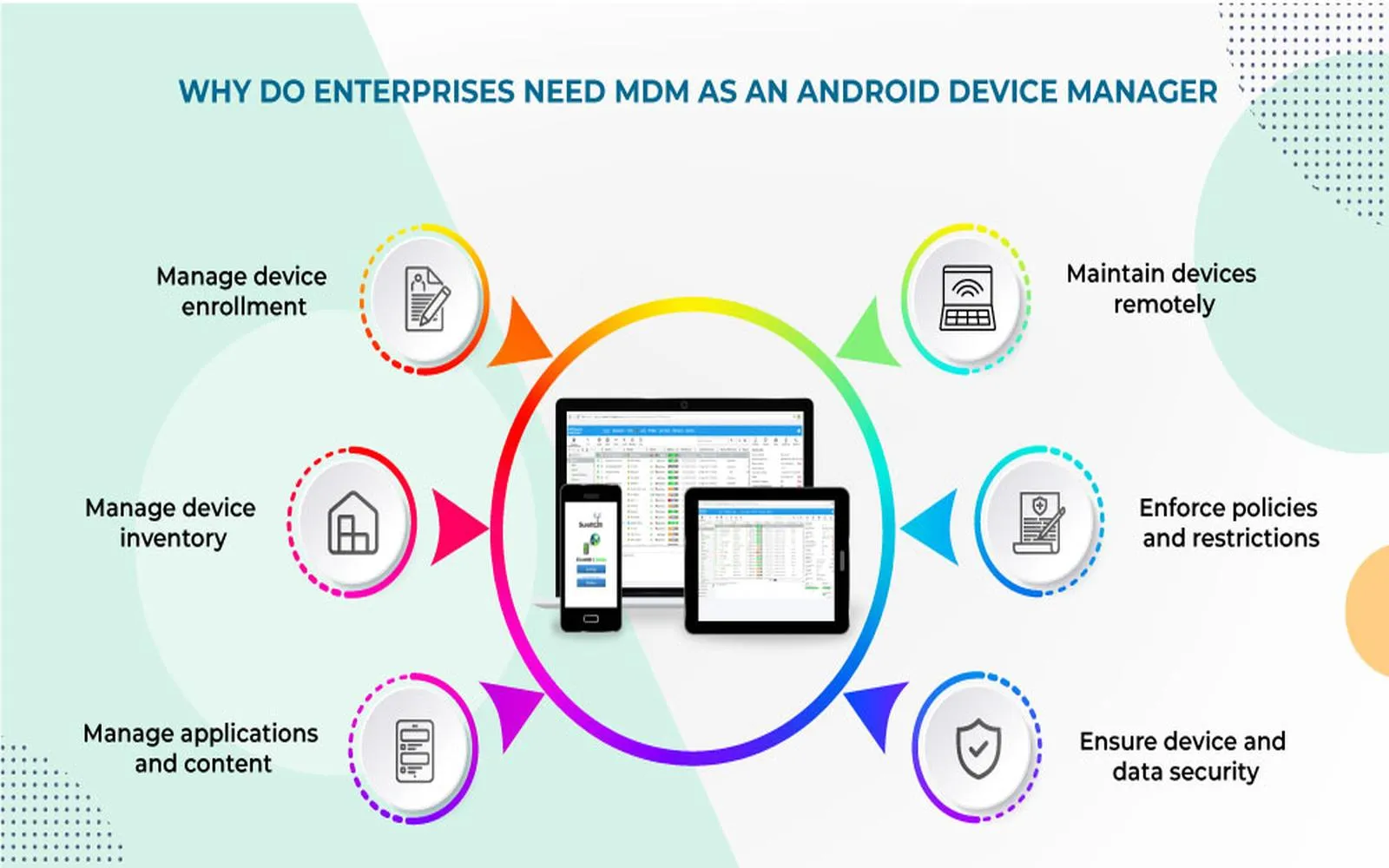
The landscape of enterprise mobility has shifted fundamentally as we move through 2026. With the release of iOS 19 and the maturation of Apple’s Declarative Device Management (DDM) framework, the requirements for a robust iOS MDM (Mobile Device Management) solution have evolved beyond simple profile installations. Today, an effective MDM strategy is no longer just about restriction; it is about autonomous device compliance, seamless user experience, and the integration of visionOS and iPadOS into a unified ecosystem.
For IT administrators and security architects, selecting an iOS MDM solution in 2026 requires a deep understanding of Apple’s updated silicon capabilities and the mandatory security protocols enforced by the latest iterations of Apple Business Manager (ABM). This guide provides a technical blueprint for evaluating, deploying, and optimizing iOS management platforms for the current fiscal year.
The Architecture of Modern iOS Management in 2026
In 2026, the traditional "command-and-response" model of MDM has been largely superseded by Declarative Device Management. Unlike older protocols where the MDM server had to constantly poll the device for its status, DDM allows the iPhone or iPad to be "self-aware." The device knows the desired state defined by the admin and can autonomously apply changes or report discrepancies the moment they occur.
This shift has significantly reduced server load and increased the speed of compliance enforcement. When a device falls out of compliance—for example, if a user disables a mandatory biometric lock—the device can now automatically revoke access to enterprise applications without waiting for a signal from the MDM server.
Key Components of the 2026 iOS Management Stack
- Apple Business Manager (ABM) / Apple School Manager (ASM): The foundational portal for device ownership. In 2026, ABM integration is mandatory for Automated Device Enrollment (ADE), ensuring that devices are supervised from the moment they are unboxed.
- Apple Push Notification service (APNs): The encrypted pipe through which all MDM commands travel. Maintaining a valid APNs certificate remains the most critical task for any IT department.
- Managed Apple IDs: These are now the standard for User Enrollment (BYOD), allowing for a strict cryptographic separation between personal data and corporate "managed" data.
- The MDM Agent/Framework: The built-in iOS framework that interprets configurations. Modern solutions often include a "helper" app for end-user self-service and identity verification.
Evaluating the Top iOS MDM Solutions for 2026
The market in 2026 is divided into "Apple-First" specialists and "Agnostic Unified Endpoint Management (UEM)" platforms. Choosing the right one depends on your fleet's composition and your existing identity provider (IdP) integrations.
| Feature | Jamf Pro (2026 Edition) | Kandji | Mosyle Business | Microsoft Intune |
|---|---|---|---|---|
| Primary Target | Large Enterprise / Complex Workflows | Mid-to-Large Automation-Focused | SMB to Mid-Market Value | Cross-Platform (Windows/iOS) |
| DDM Support | Advanced / Custom Declarations | Full Automation / Pre-built | Full Support | Standard / Improving |
| Deployment Speed | High Complexity / High Control | Rapid / Blueprint Based | Extremely Fast | Moderate (Azure Integrated) |
| visionOS Integration | Comprehensive | Full Support | Limited | Basic |
| Security Framework | Jamf Protect Integration | Proprietary EDR Built-in | Integrated Endpoint Security | Microsoft Defender for Endpoint |
| 2026 Pricing (Est.) | $4.00 - $9.00 / device / month | $5.00 - $7.00 / device / month | $1.50 - $3.00 / device / month | Included in M365 E3/E5 |
Industry-Specific Recommendations
Healthcare and Clinical Environments For hospitals using iOS devices for patient bedside care or clinical communication, Mosyle or Jamf Pro are the industry leaders. Their ability to handle "shared device" modes—where a nurse can log in, receive their specific apps, and then wipe the session for the next shift—is unparalleled in 2026. These platforms adhere to the latest HIPAA-compliant encryption standards and support Imprivata integration for tap-to-badge authentication.
Financial Services and High-Security Firms Organizations requiring SOC2 Type II and ISO 27001 compliance often gravitate toward Kandji. Its "Blueprint" system ensures that security settings like FileVault-level encryption for synced data and Mandatory Rapid Security Responses (RSR) are enforced without manual intervention.
Advanced Technical Specifications for 2026 Deployments
To maximize the ROI of an iOS MDM solution, IT teams must implement several technical configurations that have become standard in 2026.
Automated Device Enrollment (ADE) and Supervision
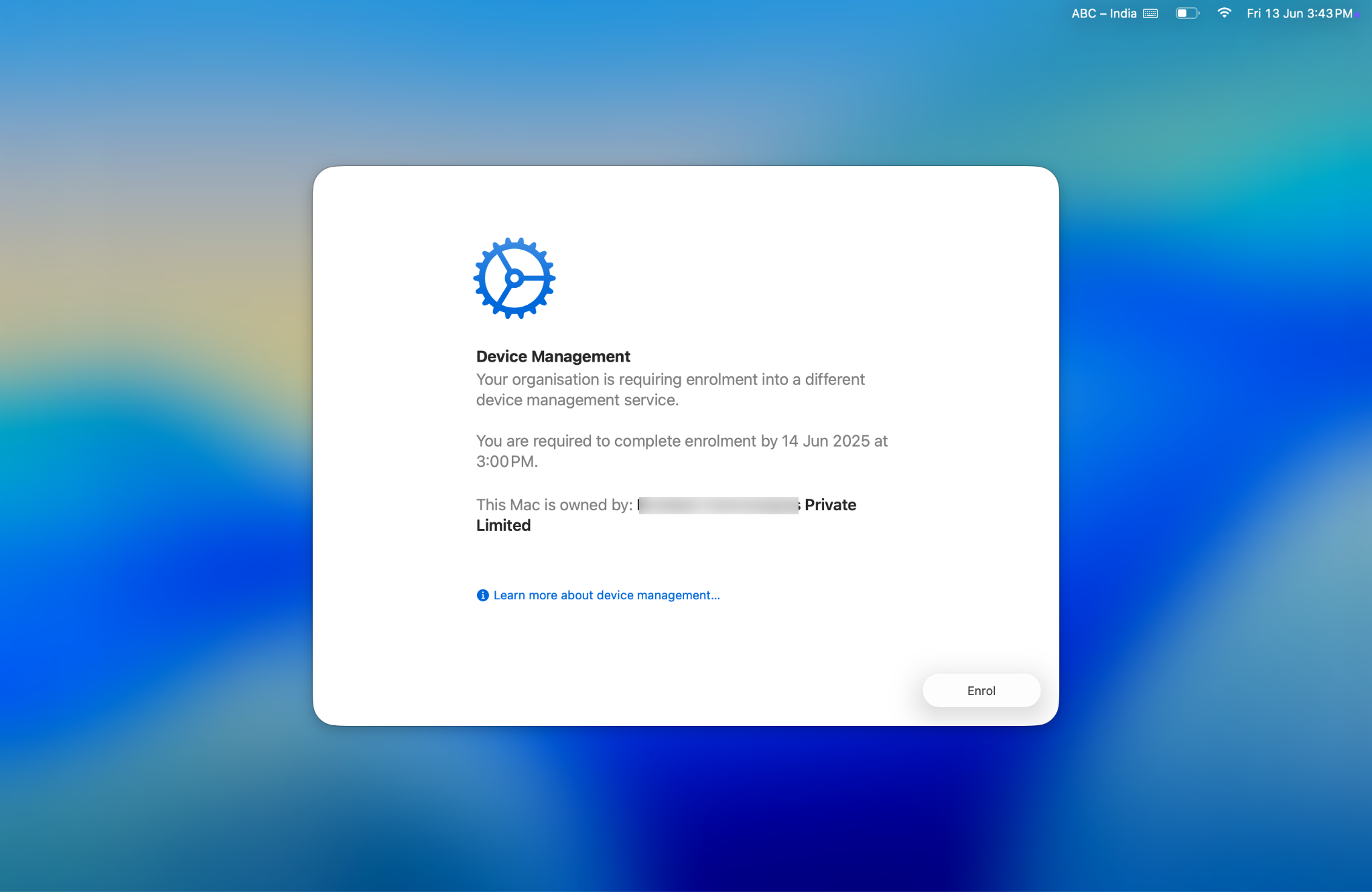
Supervision is no longer optional for corporate-owned devices. It provides the highest level of control, allowing for "Zero-Touch" deployment. Through ABM, the serial numbers are linked to your MDM. When the user powers on the device, it automatically downloads the management profile during the Setup Assistant. In 2026, this process includes the "Skip Setup Assistant" feature for all screens, including the new AI-onboarding prompts introduced in iOS 19.
Managed Open-In and Data Segregation
The core of iOS security is the "Managed Open-In" policy. This prevents data from a managed app (e.g., Microsoft Outlook) from being shared with an unmanaged app (e.g., personal WhatsApp).
- Constraint: Ensure your MDM supports "Managed Domain" filtering for Safari.
- Action: Configure "Managed Web Domains" so that any document downloaded from the corporate intranet is automatically encrypted and restricted to managed apps.
Per-App VPN and Zero Trust Network Access (ZTNA)
Traditional "Whole-Device VPN" is considered legacy in 2026. Modern iOS MDM solutions utilize Per-App VPN or ZTNA. This ensures that only authorized applications can open a tunnel to the corporate data center, significantly reducing the attack surface and preserving user privacy for personal traffic.
Step-by-Step Guide: Deploying a New iOS MDM Solution
Implementing an MDM requires a systematic approach to avoid breaking existing workflows or causing "profile fatigue" for users.
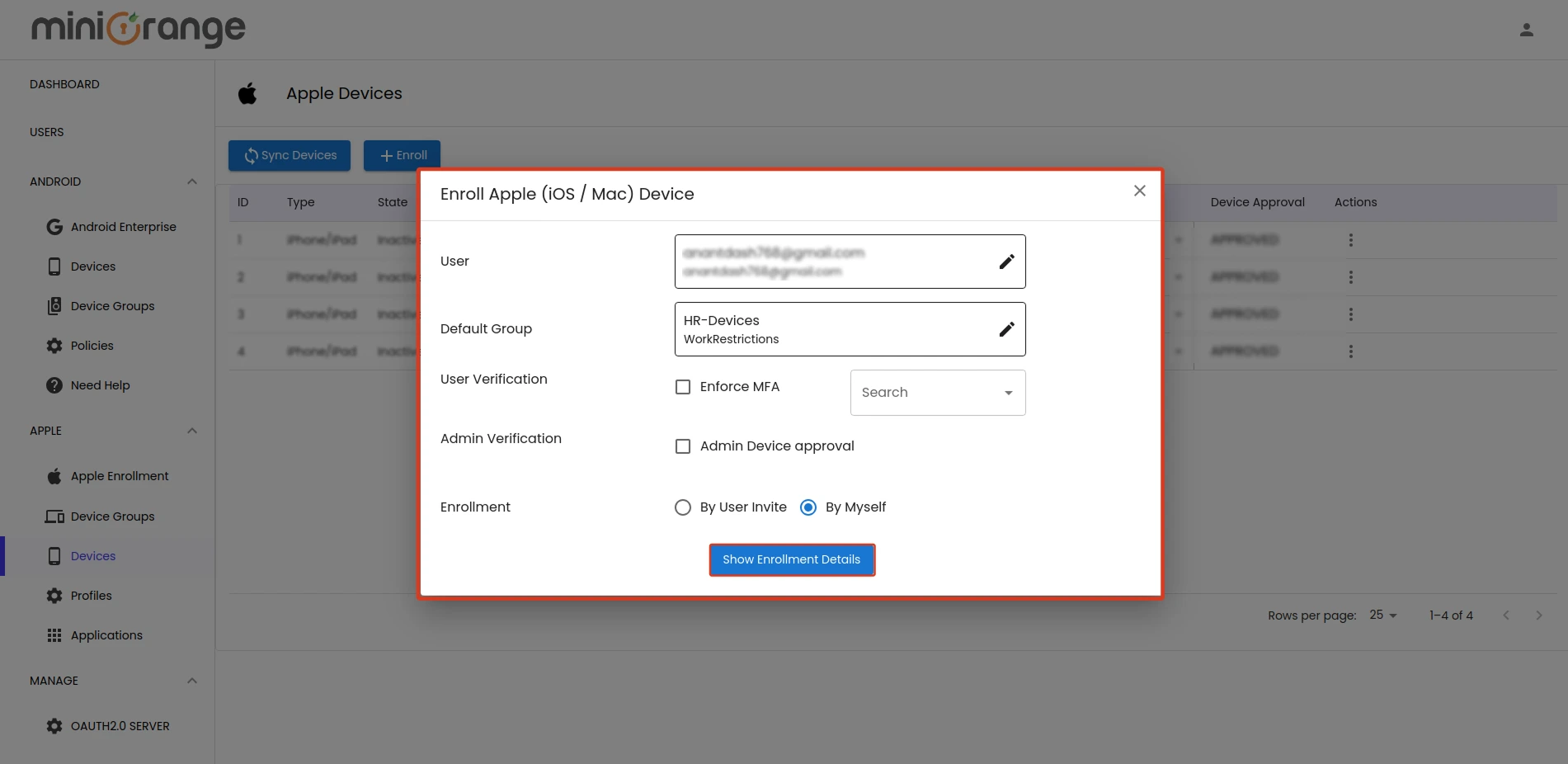
- Verify Ownership and ABM Linkage: Ensure all hardware is purchased through authorized business channels. Add your MDM Server's Public Key to Apple Business Manager and download the Token to upload to your MDM console.
- Configure Global Settings: Set up your APNs certificate. This must be renewed annually using a corporate Apple ID (never a personal one) to avoid a total loss of management control.
- Define Blueprints/Groups: Categorize devices by role (e.g., Sales, Engineering, Executive). Each group should have a specific "Blueprint" that defines app sets, Wi-Fi credentials, and restrictions.
- Implement Declarative Configurations: Instead of sending a command to install an app, define a "Declaration" that the app must exist. The device will then handle the installation and report back once completed.
- Establish Compliance Rules: Define what happens if a device is jailbroken or an OS update is ignored. In 2026, the standard is a 48-hour grace period before the device is automatically quarantined from the corporate network.
- User Onboarding and Self-Service: Deploy a "Self-Service" portal where users can download vetted apps without needing an individual App Store account, reducing IT tickets by up to 40%.
Troubleshooting Common 2026 MDM Failures
Despite the advancements in DDM, technical hurdles remain. Here are the most common issues and their 2026-standard remedies:
- APNs Token Expiry: If the APNs certificate expires, you lose the ability to "talk" to your devices. There is no fix other than re-enrolling every device manually. Pro-tip: Set a calendar alert 30 days prior to expiry.
- Profile Installation Timeouts: Often caused by restrictive firewalls. Ensure that
albert.apple.comand the17.0.0.0/8IP range are whitelisted on your corporate network to allow communication with Apple’s global servers. - VPP License Exhaustion: If an app fails to install, check the Volume Purchase Program (Apps and Books) tab. In 2026, many apps have moved to subscription models that require active seat management within the MDM.
Comparing Deployment Models: BYOD vs. COPE
- User Enrollment (BYOD): Designed for privacy. IT can see managed apps but cannot see personal photos, messages, or location. This uses a separate APFS volume on the device for work data.
- Device Enrollment (COPE - Corporate Owned, Personally Enabled): The organization owns the hardware but allows personal use. This provides more control, such as the ability to reset the device passcode or see the full app list.
- Automated Device Enrollment (Locked/Supervised): Strictly for corporate use. The MDM profile is "non-removable," providing the highest security posture.
Frequently Asked Questions
What is the difference between MDM and DDM in 2026?
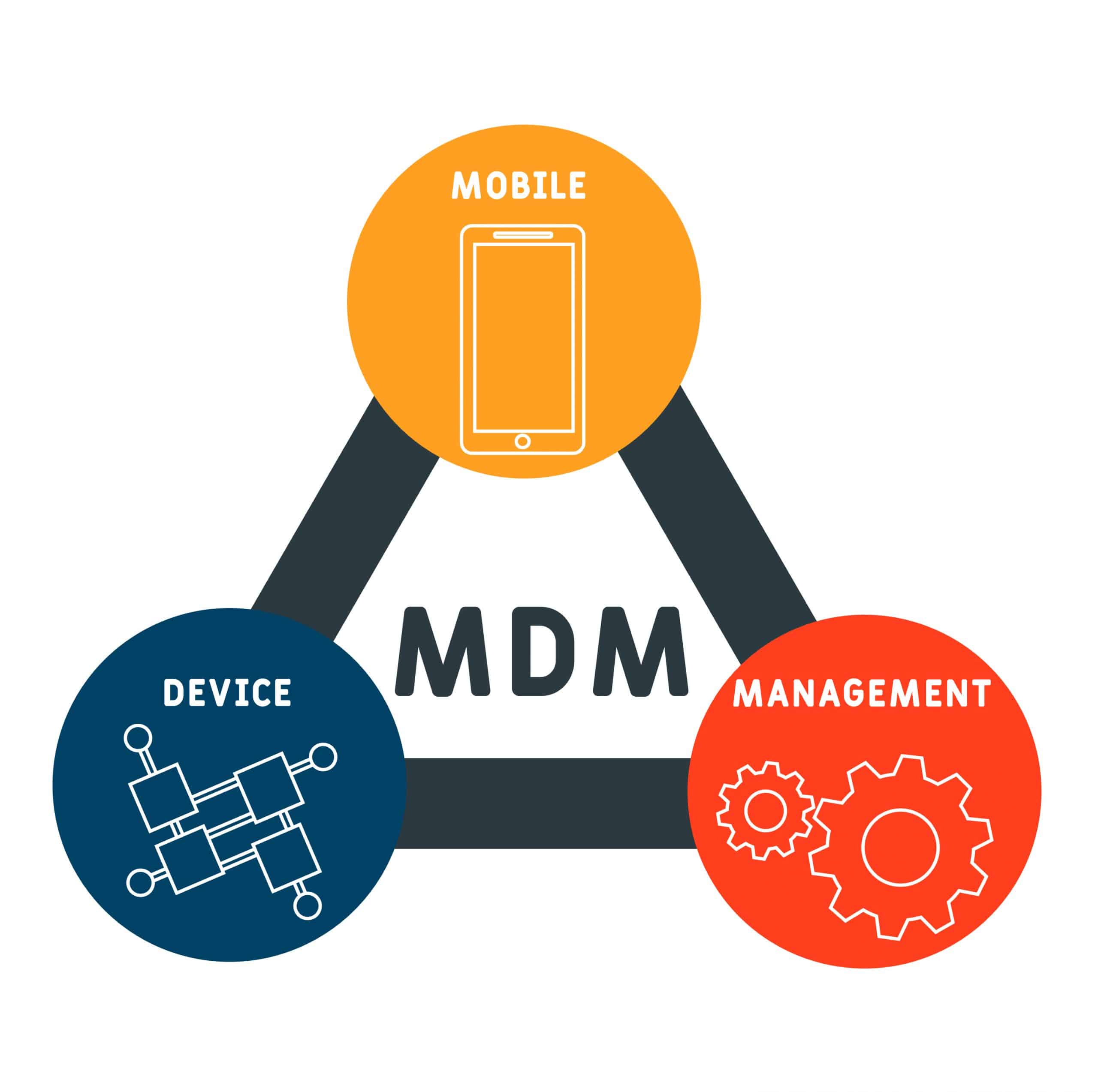
MDM is the overall management framework, while DDM (Declarative Device Management) is the specific protocol that allows devices to be self-managing. DDM makes the device responsible for its own state, leading to faster updates and more reliable security enforcement than the older, reactive MDM command system.
Do I still need an Apple ID to manage an iPhone in 2026?
Users do not need a personal Apple ID for work-related tasks. Organizations should use Managed Apple IDs created through Apple Business Manager. This allows the company to maintain ownership of the account and its data while facilitating features like iCloud Drive for work and Notes syncing.
Can an iOS MDM solution track a user's location?
An MDM can only track a device's location if it is put into "Managed Lost Mode." In this state, the device is locked, a message is displayed on the screen, and the device sends its coordinates to the admin. For privacy reasons, continuous background tracking is generally not supported in standard MDM protocols to protect user rights.
How does iOS 19/20 impact current MDM strategies?
The 2026 versions of iOS have introduced deeper "Intelligence" integration. MDM solutions now include controls to manage where on-device AI data is stored and whether generative AI features can interact with corporate data silos. Admins must explicitly allow or deny these "AI-to-Business" data bridges.
Is it possible to remove an MDM profile from an iPhone?
If the device was enrolled via Automated Device Enrollment (ADE), the profile is marked as "non-removable" by the administrator. For BYOD or manual enrollments, the user can remove the profile at any time, but doing so will automatically delete all corporate apps, emails, and data associated with that profile.
Summary of Enterprise Benefits
A properly configured iOS MDM solution in 2026 reduces operational overhead by automating the entire lifecycle of a device—from the moment it leaves the factory to its eventual decommissioning and secure wipe. By leveraging DDM, ZTNA, and Apple Business Manager, organizations can ensure that their mobile fleet remains a secure extension of their infrastructure rather than a liability.