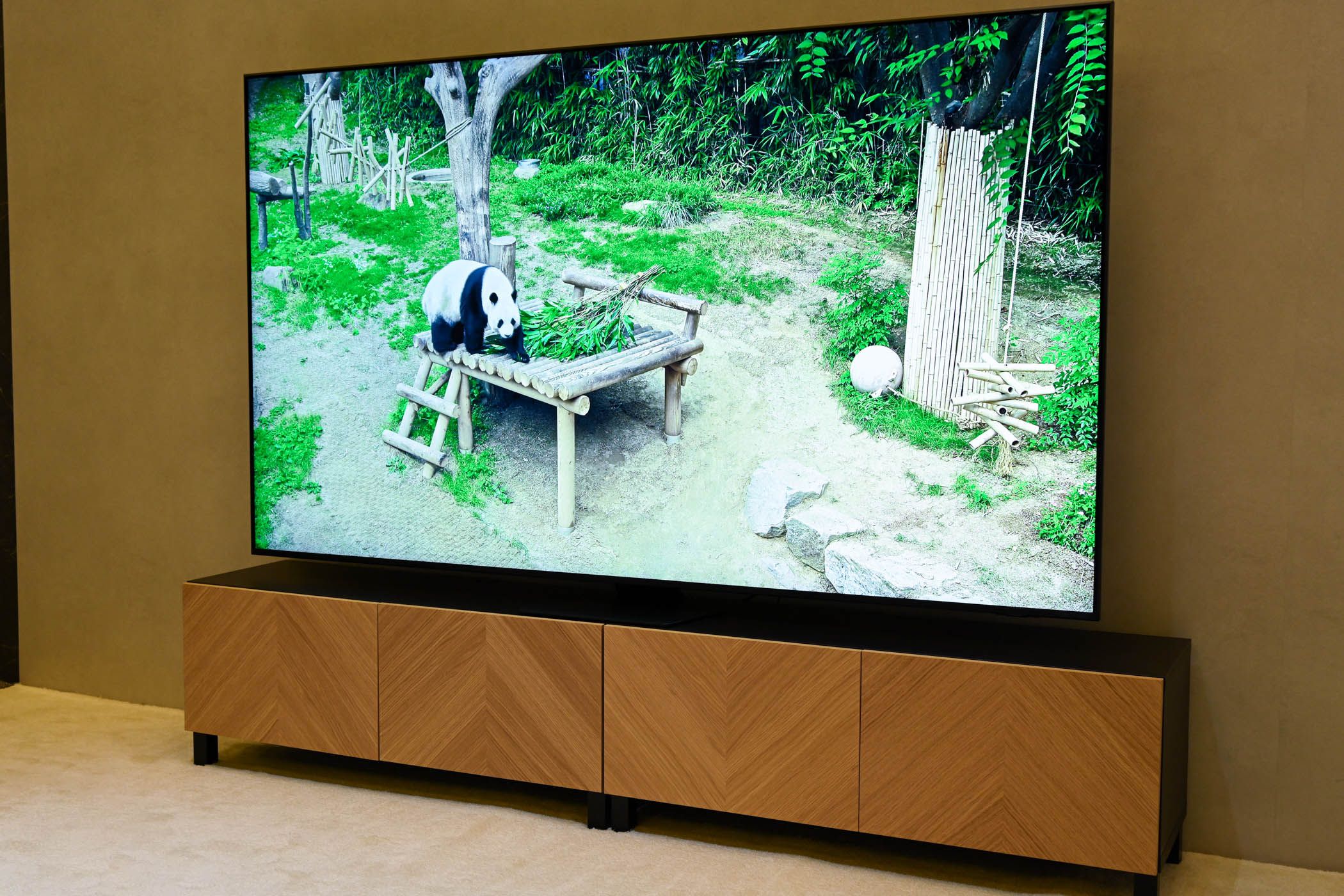
A standard 75-inch TV measures approximately 65.4 inches wide and 36.8 inches tall without a stand. To achieve an immersive 4K viewing experience without eye strain, place your primary seating between 7.5 and 10.5 feet away. Choosing the right model requires matching room lighting with panel technologies like Mini-LED or OLED and verifying key features like native 120Hz refresh rates and HDMI 2.1 ports.
Physical Dimensions and Space Requirements
Upgrading to a 75-inch display significantly alters the visual focal point of a room. Understanding the exact spatial requirements—including total footprint, panel weight, and mounting specifications—prevents installation delays and ergonomic issues.
Exact Screen Dimensions and Weight
TV screen sizes are measured diagonally from corner to corner, excluding the outer bezel frame. For a 16:9 aspect ratio display:
- Screen Width: ~65.4 inches (166.1 cm)
- Screen Height: ~36.8 inches (93.5 cm)
- Total Diagonal: 74.5 to 75.0 inches (189.2 to 190.5 cm)
The physical footprint of the TV will vary slightly depending on bezel design and chassis depth. Modern ultra-thin bezels add roughly 0.2 to 0.5 inches to the total width and height.
Total weight varies considerably across display technologies and housing materials:
- Entry-level LED/QLED models: 55 to 65 lbs (25 to 29.5 kg) without a stand.
- Premium Mini-LED models: 65 to 85 lbs (29.5 to 38.5 kg) due to heavier heatsinks, backlighting arrays, and glass layers.
- OLED models: 60 to 75 lbs (27 to 34 kg), with weight concentrated primarily in the bottom housing module while the top panel remains ultra-thin.
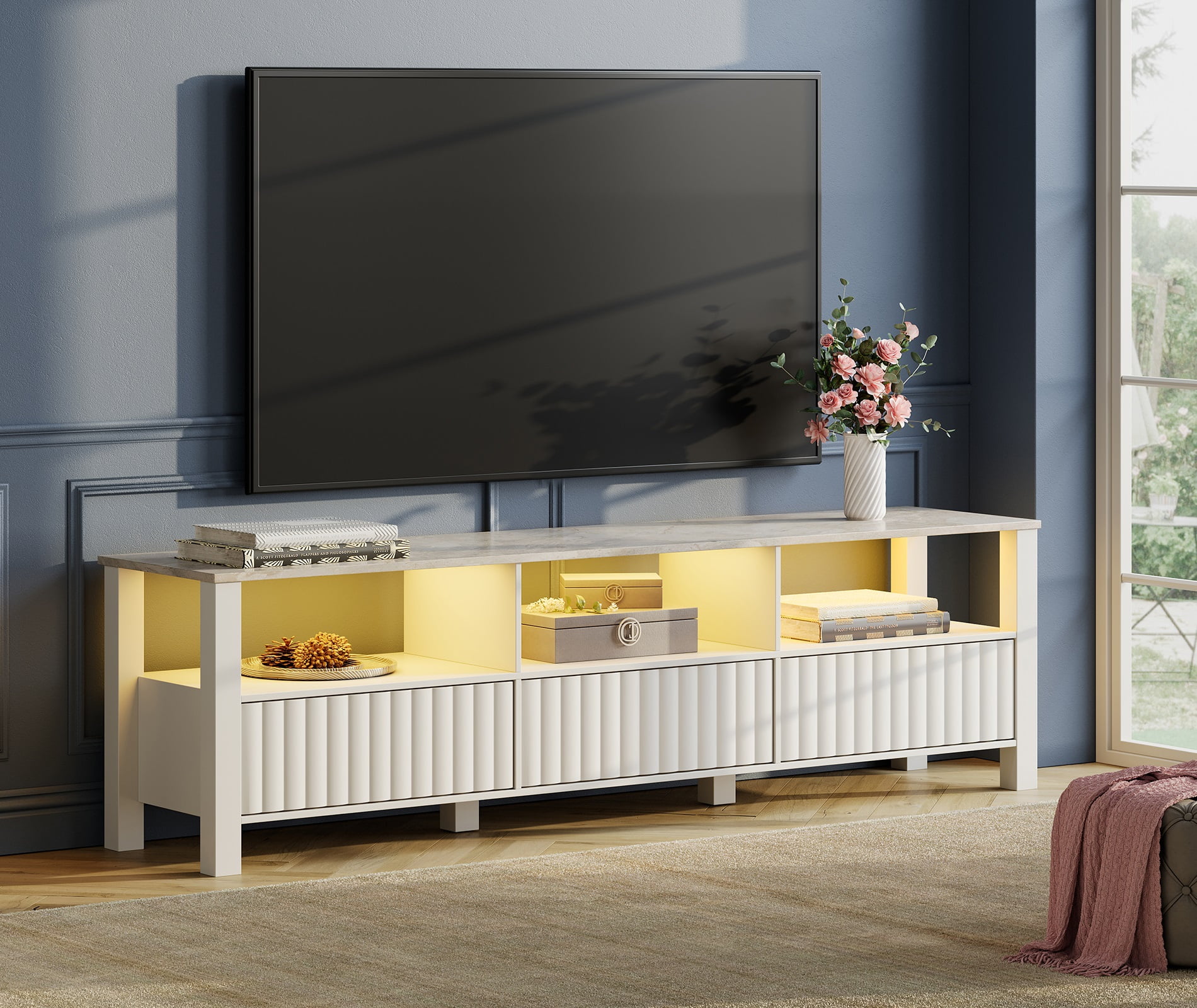
If using a tabletop stand or media console, verify the stand style. Center pedestal stands require a footprint of only 15 to 20 inches wide, whereas dual edge-feet stands require a media cabinet at least 60 to 65 inches wide to support the display securely.
Recommended Viewing Distance and Field of View
Selecting the right seating distance depends on display resolution, visual acuity, and field of view (FOV). For 4K (3840x2160) displays, screen pixels are virtually invisible even at close distances, allowing for a broader field of view without visible grid structures.
75-Inch Television
- 7.5 ft (40° Cinema FOV - SMPTE Standard)
- 9.5 ft to 10.5 ft (30° Mixed-Media FOV - THX Standard)
- Main Seating
Cinematic Experience (40° Field of View): Recommended by the Society of Motion Picture and Television Engineers (SMPTE) for immersive movie viewing. The ideal distance is 7.5 feet (2.3 meters).
Mixed-Use Experience (30° Field of View): Recommended for general broadcast television, sports, and casual gaming. The ideal distance is 9.5 to 10.5 feet (2.9 to 3.2 meters).
If your sofa is positioned further than 11 feet away, a 75-inch screen may begin to feel small, and fine 4K detail will be harder to perceive without optical correction. If your seating is closer than 7 feet, you may experience neck strain from turning your head to follow side-to-side action.
Wall Mounting Specifications and VESA Patterns
Mounting a 75-inch display safely requires adherence to hardware structural limits and standard spacing requirements.
- VESA Standard Alignment: Most 75-inch screens utilize a VESA mounting interface standard pattern of 400x400 mm, 400x300 mm, or 600x400 mm. Always check the back panel specifications before purchasing a wall mount bracket.
- Wall Stud Attachment: Heavy displays must be secured into wood wall studs or solid masonry. Standard North American interior framing places studs on 16-inch or 24-inch centers. Select a wall mount bracket with a wall plate wide enough (at least 26 to 30 inches) to span across two framing studs. Never rely on drywall anchors or toggle bolts alone for a display over 50 lbs.
- Mounting Height: A common installation mistake is positioning the TV too high. For comfortable viewing, the center of the screen (or the bottom third) should line up with eye level when seated—typically 40 to 48 inches from the floor to the center of the panel.
Comparing Display Technologies in 75-Inch Screens
The visual performance of a 75-inch TV is governed by its underlying backlight and panel construction. Because large screens amplify visual flaws like poor contrast or light bleed, choosing the correct panel technology is crucial.
| Self-Emissive (Individual Pixel Control) | Transmissive (Backlight + LCD Layer) |
|---|---|
| • OLED | • Mini-LED (FALD) |
| • QD-OLED | • Traditional QLED / LED |
OLED and QD-OLED: Self-Emissive Precision
Organic Light-Emitting Diode (OLED) screens utilize self-emissive pixels that generate their own light independently. When a pixel displays black, it turns off completely.
- Contrast Ratio: Infinite contrast ratio with absolute black levels. There is zero "blooming" or haloing around bright objects against dark backgrounds (such as stars in space or subtitles).
- Viewing Angles: Exceptional off-axis performance. Colors and brightness remain consistent even when viewed from extreme side angles, making OLED ideal for wide seating arrangements.
- Quantum Dot OLED (QD-OLED): Combines OLED self-emissive backlighting with quantum dot color conversion. This yields higher peak brightness and wider color volumes compared to traditional WRGB OLED panels.
- Considerations: While modern OLED panels feature robust automatic pixel refresh cycles and heat sinks to mitigate image retention (burn-in), they generally achieve lower overall sustained full-field brightness than top-tier Mini-LED displays.
Mini-LED: High Peak Brightness and Local Dimming
Mini-LED technology refines traditional LCD displays by replacing large backlighting diodes with thousands of miniaturized LEDs grouped into hundreds or thousands of independently controlled Full-Array Local Dimming (FALD) zones.
- Luminance and Glare Control: Capable of achieving extremely high peak brightness levels (ranging from 1,500 to over 3,000 nits). This allows Mini-LED TVs to easily cut through heavy ambient daylight in brightly lit rooms.
- Color and Detail: Combined with Quantum Dot layers (often branded as Neo QLED or QNED), Mini-LED displays deliver vibrant color accuracy and punchy High Dynamic Range (HDR) highlights.
- Considerations: Though local dimming algorithms have advanced significantly, slight light blooming can still occur around bright objects on dark backgrounds. Off-axis viewing angles are also narrower than OLED panels unless equipped with specialized wide-angle optical layers.
Standard QLED and Direct-Lit LED: Value-Focused Options
Standard QLED (Quantum Dot LED) and traditional direct-lit or edge-lit LED panels occupy the entry-level to mid-range tier of 75-inch televisions.
- Cost-to-Size Ratio: Provides an affordable entry point for buyers seeking maximum screen real estate on a modest budget.
- Performance Limits: Entry-level models often use edge-lit backlighting or direct backlighting without local dimming. This results in gray-ish black levels in dark environments and limited HDR performance due to lower peak brightness (typically under 500 nits).
Essential Features and Hardware Specifications
To ensure longevity and compatibility with modern media hardware, evaluate key internal hardware components prior to purchase.
Refresh Rates and Motion Handling
The panel's native refresh rate dictates how many frames per second the TV can natively display:
- 60Hz Panels: Found in budget models. Suitable for standard 24fps movies, streaming television, and casual gaming. However, fast sports motion can exhibit blur, and 24p film content played through standard broadcast sources may introduce subtle motion judder.
- 120Hz / 144Hz Panels: Standard on mid-tier and high-end models. Necessary for rendering smooth motion in fast sports broadcasts, eliminating 24p film judder natively, and handling high-frame-rate output from modern gaming consoles and PCs.
HDMI 2.1 Bandwidth and Gaming Capabilities
For console and PC gaming, verify that the television includes full-bandwidth (48 Gbps) HDMI 2.1 ports rather than legacy HDMI 2.0 ports.
Key features enabled by HDMI 2.1 include:
- 4K at 120Hz / 144Hz Uncompressed: Allows crisp high-frame-rate video signals.
- Variable Refresh Rate (VRR): Synchronizes the display's refresh rate with the source frame rate (supporting AMD FreeSync Premium and NVIDIA G-Sync compatibility) to eliminate screen tearing and input stutter.
- Auto Low Latency Mode (ALLM): Automatically switches the display into a low-input-lag "Game Mode" when a compatible gaming console is detected.
High Dynamic Range (HDR) Format Support
HDR expands the range between the darkest blacks and the brightest whites, while broadening the overall color palette.
- Static HDR (HDR10 and HLG): Applies a single static tone map curve across the entire duration of a movie or broadcast.
- Dynamic HDR (Dolby Vision and HDR10+): Utilizes scene-by-scene or frame-by-frame metadata to adjust dynamic range continuously based on panel limits. Dolby Vision is widely adopted by major streaming platforms and UHD Blu-ray media, while HDR10+ is supported by select manufacturers and services. Choosing a display that supports multiple dynamic formats ensures maximum source compatibility.
Panel Subtypes: VA vs. ADS/IPS LCD Panels
When choosing an LCD-based TV (QLED or Mini-LED), pay attention to the underlying liquid crystal matrix type:
- Vertical Alignment (VA): Offers high native contrast ratios (typically 4,000:1 to 6,000:1 without dimming), producing deep blacks. However, colors and contrast degrade noticeably when viewed from side angles.
- Advanced Super Dimension Switch (ADS) / In-Plane Switching (IPS): Offers significantly wider viewing angles and robust panel durability, but lower native contrast (1,000:1 to 1,500:1). These panels rely heavily on local dimming algorithms to achieve dark black levels in dim environments.
Technical Comparison of 75-Inch Display Technologies
The following table summarizes key performance characteristics across the three primary display categories available in 75-inch screen sizes:
| Performance Metric | OLED / QD-OLED | Mini-LED (FALD) | Standard QLED / LED |
|---|---|---|---|
| Native Contrast Ratio | Infinite (Self-emissive) | High (3,000:1 to 6,000:1 native; enhanced by local dimming) | Moderate (1,000:1 to 5,000:1 native) |
| Peak Brightness (HDR) | 800 – 1,500+ nits | 1,500 – 3,000+ nits | 300 – 600 nits |
| Black Level Accuracy | Perfect (Zero blooming) | Very Good (Minor haloing possible) | Poor to Average (Gray blacks in dark rooms) |
| Viewing Angle Stability | Excellent (Wide off-axis consistency) | Moderate to Good (Model dependent) | Limited (Color desaturation off-axis) |
| Reflection Handling | Very Good (Anti-reflective coatings) | Outstanding (High brightness overrides glare) | Fair to Moderate |
| Risk of Burn-In / Stiction | Low (Mitigated by modern algorithms) | None (Inorganic components) | None (Inorganic components) |
| Primary Suitability | Dark rooms, home theaters, cinematic viewing | Bright living rooms, daylight viewing, sports | Secondary rooms, guest spaces, budget setups |
Setup and Room Integration Considerations
Physical placement and room acoustics directly dictate how much real-world visual and auditory performance you extract from a 75-inch TV.
- Sunlight Window
- 75" Television Panel
- Position perpendicular to windows to eliminate direct glare
- Ambient Light
Managing Glare and Sunlight Positioning
Large glass screens act as mirrors if placed directly opposite unshaded windows.
- Position the screen perpendicular to major light sources whenever possible.
- If bright windows face the panel directly, choose a high-peak-brightness Mini-LED display with an anti-reflective glossy panel coating rather than a matte panel, which can diffuse light across the screen and wash out overall contrast.
Sound Optimization and Audio Routing
As display profiles become thinner, internal speaker physical volume decreases. Integrated TV speakers typically deliver 20W to 40W of power through tiny down-firing drivers, producing thin bass response and compressed dialogue clarity at high volumes.
To match audio quality with a 75-inch picture:
- Plan for an external soundbar system or dedicated multi-channel AV receiver.
- Ensure the TV features an eARC (Enhanced Audio Return Channel) port. eARC provides the necessary 37 Mbps audio bandwidth to pass uncompressed 24-bit/192kHz multi-channel audio—including full Dolby Atmos and DTS:X formats—from internal TV streaming apps or connected consoles directly to your sound system.
Frequently Asked Questions
What is the exact width of a 75-inch TV?
The screen surface of a 75-inch TV is approximately 65.4 inches (166.1 cm) wide. Depending on the thickness of the outer frame or bezel, total physical width generally ranges between 65.7 and 66.2 inches.
How far should you sit from a 75-inch 4K TV?
For standard broadcast content and general entertainment, an ideal distance is 9.5 to 10.5 feet. For a cinematic theater experience, sitting approximately 7.5 to 8 feet away yields an immersive 40-degree field of view that maximizes perceived detail without causing visual fatigue.
Can a 75-inch TV be mounted on drywall standard studs?
Yes, provided the mount is anchored into two solid wood wall studs using heavy-duty lag bolts. A 75-inch TV should never be installed into drywall using plastic expansion anchors or toggle bolts alone due to the severe structural leverage exerted by the display's weight.
Is Mini-LED or OLED better for a 75-inch screen in a bright room?
Mini-LED is generally better suited for bright rooms with uncontrolled daylight. Its significantly higher peak luminance (often exceeding 2,000 nits) allows it to overcome intense ambient glare more effectively than OLED displays.
Do all 75-inch TVs support 4K resolution?
Virtually all modern 75-inch televisions feature native 4K UHD resolution (3840x2160 pixels). While select ultra-premium displays offer 8K resolution (7680x4320 pixels), native 8K media content remains scarce, making 4K the practical standard for price and performance.
What VESA mount size does a 75-inch TV require?
Most 75-inch televisions use VESA mounting patterns of 400x400 mm or 600x400 mm. Always verify the exact pattern specified in your display's hardware manual prior to purchasing wall brackets.
Final Recommendations and Checklist
Before finalizing your purchase and setting up a 75-inch television, complete this practical pre-installation verification list:
- Measure Cabinet and Wall Space: Confirm you have at least 67 inches of horizontal clearance on your wall or media console to allow proper ventilation around the chassis.
- Verify Stud Locations: Use a electronic stud finder to locate two wall studs spaced 16 inches (or 24 inches) apart at your target installation location.
- Evaluate Lighting: Choose OLED for light-controlled environments or dedicated home theater rooms; select Mini-LED for bright spaces with significant ambient daylight.
- Confirm Port Specifications: If connecting a modern gaming console or high-end soundbar, verify the television includes native 120Hz support and at least two full-bandwidth HDMI 2.1 ports (including one eARC port).
- Coordinate Cables: Purchase high-speed HDMI cables certified for 48 Gbps bandwidth to prevent signal dropouts when running 4K video at 120Hz with HDR enabled.