Developing native iOS applications has fundamentally shifted over the past few years. As we navigate through 2026, the demand for rapid prototyping, cross-platform compilation, and code-free UI generation has reached an all-time high. Whether you are an enterprise technical lead looking to streamline internal workflows or an independent entrepreneur launching a direct-to-consumer product, choosing the right iOS app builder in 2026 dictates your time-to-market, scaling limits, and long-term maintenance overhead. Modern tools now leverage advanced local and cloud-based compilation engines, offering sophisticated integration with Apple's latest software development kits while maintaining compliance with rigorous App Store review guidelines.
Evaluating the Modern iOS App Builder Ecosystem
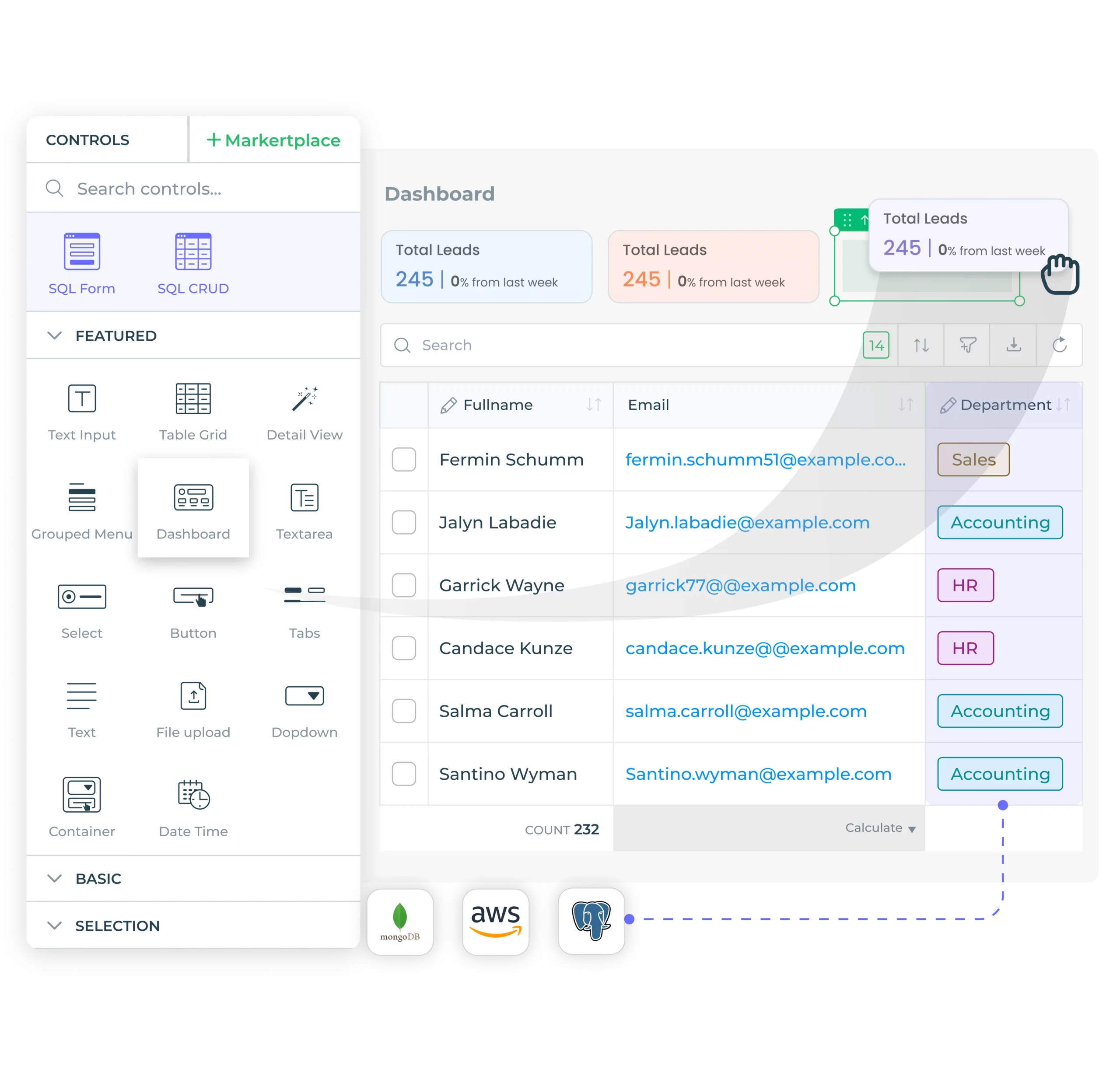
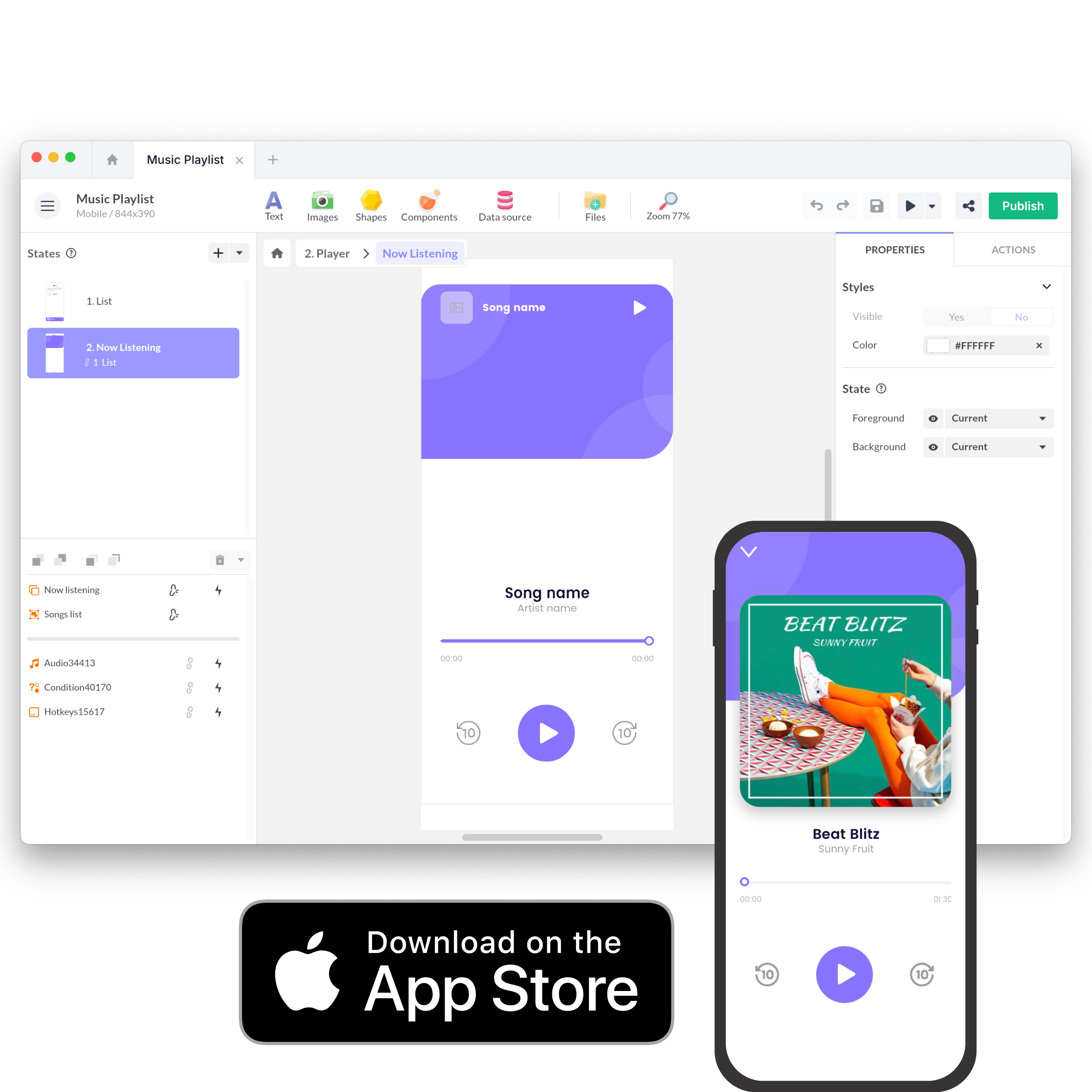
The modern ecosystem of application development platforms spans three distinct categories: zero-code visual builders, low-code component-driven frameworks, and traditional integrated development environments augmented by artificial intelligence. Understanding the technical demarcation points among these solutions prevents costly architectural mistakes down the line. Zero-code builders utilize visual drag-and-drop canvases that abstract Swift and SwiftUI completely, compiling visual elements into native iOS binaries via cloud build servers.
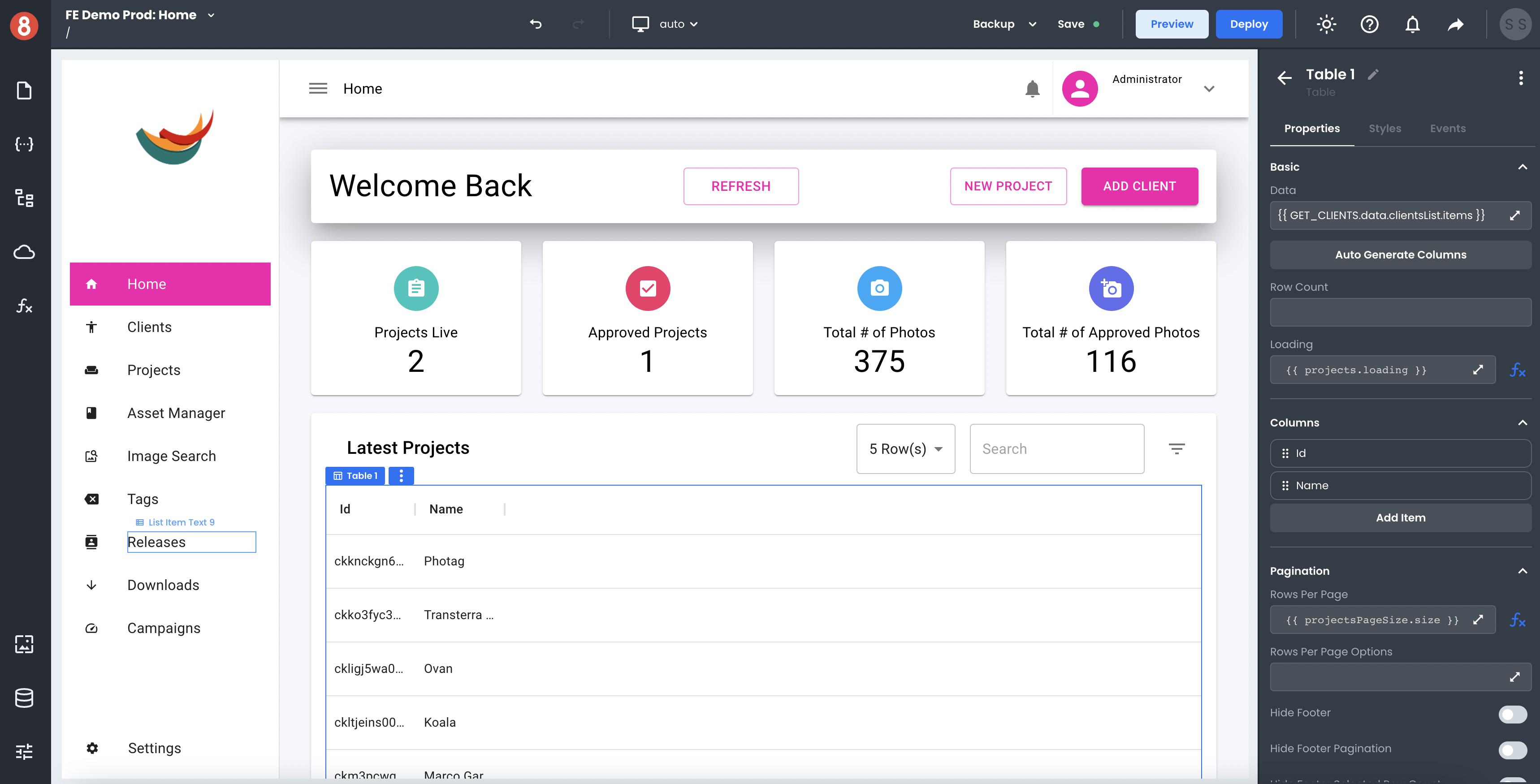
Low-code platforms, conversely, allow developers to inject custom business logic using scripting languages or modular extensions while handling the heavy lifting of state management, user authentication, and database connectivity out of the box. Enterprise-grade development teams often rely on these systems to accelerate the creation of UI wireframes before writing production-grade Swift code.
Core Architectural Considerations for iOS Development
When selecting an application builder for the Apple ecosystem in 2026, several non-negotiable architectural requirements must be evaluated against your project scope:
- Native Binary Compilation: Ensure the platform compiles your application directly into native ARM64 architecture rather than relying on heavy hybrid web-view wrappers that degrade frame rates during complex animations.
- SwiftUI and UIKit Interoperability: The ability to drop down into native code or integrate custom Swift packages is vital for accessing advanced device APIs like CoreML, ARKit, or Bluetooth Low Energy peripherals.
- Provisioning Profile and Certificate Management: Automated handling of Apple Developer accounts, distribution certificates, and provisioning profiles eliminates hours of tedious configuration errors during the TestFlight deployment phase.
- Offline Data Synchronization: Robust local caching frameworks (such as SQLite or CoreData wrappers) ensure your application remains functional during intermittent network connectivity.
Comparative Analysis of Leading iOS App Builders
Selecting the optimal framework requires weighing the trade-offs between absolute design freedom and development speed. The table below outlines the primary industry contenders, categorized by technical depth, compilation method, and target use case.
| Platform Name | Technical Depth | Primary Compilation Method | Best Suited For | Approximate Pricing Tier |
|---|---|---|---|---|
| FlutterFlow | Low-Code / Visual | Native Flutter (Dart to ARM64) | Complex production-ready apps with custom logic | Free to $70+/month |
| Glide | Zero-Code | Progressive Web App / Native Wrapper | Data-driven internal tools and dashboards | $25 to $250+/month |
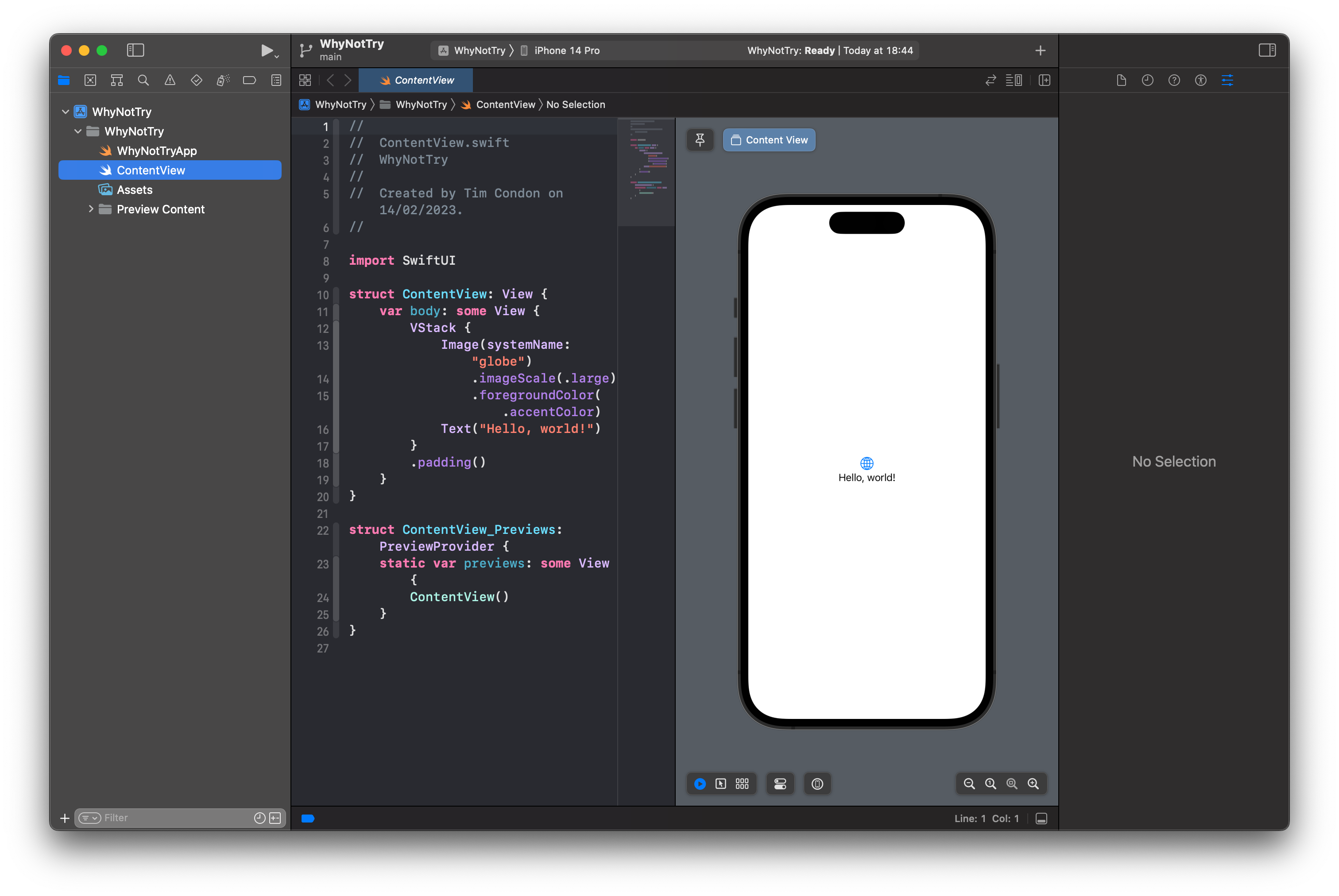
| Xcode + AI Copilots | High-Code (Native) | Direct Native Swift / SwiftUI | High-performance consumer apps, games, AR | Free (Requires $99/yr Apple Developer Account) |
| Adalo | Zero-Code | Native Binary via Cloud Build | MVPs, simple directories, and booking platforms | $45 to $200+/month |
| Draftbit | Low-Code | React Native (Native Bridge) | Cross-platform apps requiring native module access | $59 to $199+/month |
Step-by-Step Implementation Guide to Launching an iOS App
Building and deploying an iOS application using a modern visual builder involves a structured sequence of operational milestones. Following a disciplined workflow ensures your product meets Apple's strict Human Interface Guidelines and technical review criteria.
- Define Data Schemas and State Architecture: Map out your database relationships, user roles, and state management rules before touching any visual layout canvas. Establishing a clean data model prevents painful schema refactoring later.
- Design Responsive Layouts for Dynamic Display Sizes: Utilize flexible layout containers, stacks, and padding rules to guarantee your user interface adapts seamlessly across various form factors, from the compact iPhone SE to the expansive screen real estate of the iPhone 16 Pro Max.
- Integrate Secure Authentication and APIs: Connect your application to reliable backend-as-a-service providers or custom REST/GraphQL endpoints. Implement OAuth 2.0 flows, secure token storage, and multi-factor authentication protocols.
- Conduct Rigorous Local and Cloud Testing: Execute unit tests on your business logic and perform visual regression testing across multiple simulator devices. Utilize cloud testing farms to verify rendering behavior on real physical hardware.
- Prepare App Store Connect Metadata: Compile high-resolution screenshots, privacy policy documentation, clear app descriptions, and proper age-rating questionnaires to streamline the Apple review process.
- Submit to TestFlight and Production: Generate your signed archive, upload the build to App Store Connect through your builder's automated pipeline, and distribute beta builds to your QA team via TestFlight.
Expert Strategic Insight: Never overlook Apple's App Store Review Guidelines regarding Guideline 4.2 (Minimum Functionality). Pure template-driven apps or glorified mobile website wrappers face immediate rejection. Ensure your visual builder allows you to integrate genuine device hardware features—such as push notifications, haptic feedback, camera capture, or local biometric authentication—to demonstrate clear native utility.
Pros and Cons of Using Visual App Builders
Before committing engineering resources or capital to a visual app builder, weigh the strategic advantages against the structural limitations inherent in abstracted development environments.
The Advantages
- Accelerated Time-to-Market: Reduces initial prototype and MVP development cycles by up to 70%, allowing you to validate product-market fit rapidly.
- Lower Barrier to Entry: Empowers product managers, designers, and domain experts to build functional software without requiring a dedicated team of senior Swift engineers.
- Unified Maintenance: Cloud-managed infrastructure and automated dependency updates reduce the overhead of maintaining legacy codebases.
The Disadvantages
- Platform Lock-In: Migrating a complex, database-driven application away from a proprietary visual builder's ecosystem can require a near-total rewrite of the business logic.
- Customization Ceilings: Highly specific custom animations, proprietary metal shaders, or niche hardware integrations may hit roadblocks if the builder lacks an extensible plugin architecture.
- Ongoing Subscription Costs: Unlike self-hosted native codebases, SaaS-based app builders require recurring monthly fees that scale alongside your user base and data consumption.
Frequently Asked Questions
Can I publish an app built with a visual iOS app builder directly to the Apple App Store?
Yes, modern professional app builders compile your project into native binaries or export standard source code that can be signed and published directly to the official Apple App Store and TestFlight. You will still need an active individual or enterprise Apple Developer account.
Do I need a Mac computer to build and deploy an iOS app?
Many cloud-based app builders handle the entire compilation process on remote cloud servers, meaning you can design, build, and even push updates from a Windows or Linux machine. However, certain native debugging tasks and direct Xcode asset validations still benefit from access to macOS hardware.
Are apps created with visual builders slower than native Swift apps?
When utilizing platforms that compile directly to native ARM64 machine code or optimized cross-platform frameworks, performance degradation is virtually imperceptible to end-users for standard business, e-commerce, and content-driven applications.
How do visual app builders handle offline data storage?
Most reputable builders incorporate local caching mechanisms using secure local storage engines. This allows users to read previously fetched data and queue write operations while offline, automatically syncing with your primary database once network connectivity is restored.
Can I export the underlying source code if I want to move away from the builder?
Platform policies vary significantly. Low-code tools like FlutterFlow allow you to export clean, production-ready source code (such as Dart/Flutter), whereas strict zero-code platforms often retain proprietary data schemas that cannot be easily exported outside their ecosystem.
Building Your Next-Generation iOS Solution
Navigating the landscape of iOS app builders requires balancing your immediate need for speed with long-term architectural scalability. By selecting a platform that aligns with your team's technical proficiency and your product's functional demands, you can successfully bypass traditional development bottlenecks. Begin your evaluation phase today by testing free tiers, validating native hardware integrations, and ensuring your chosen tool provides a seamless path to the Apple App Store.