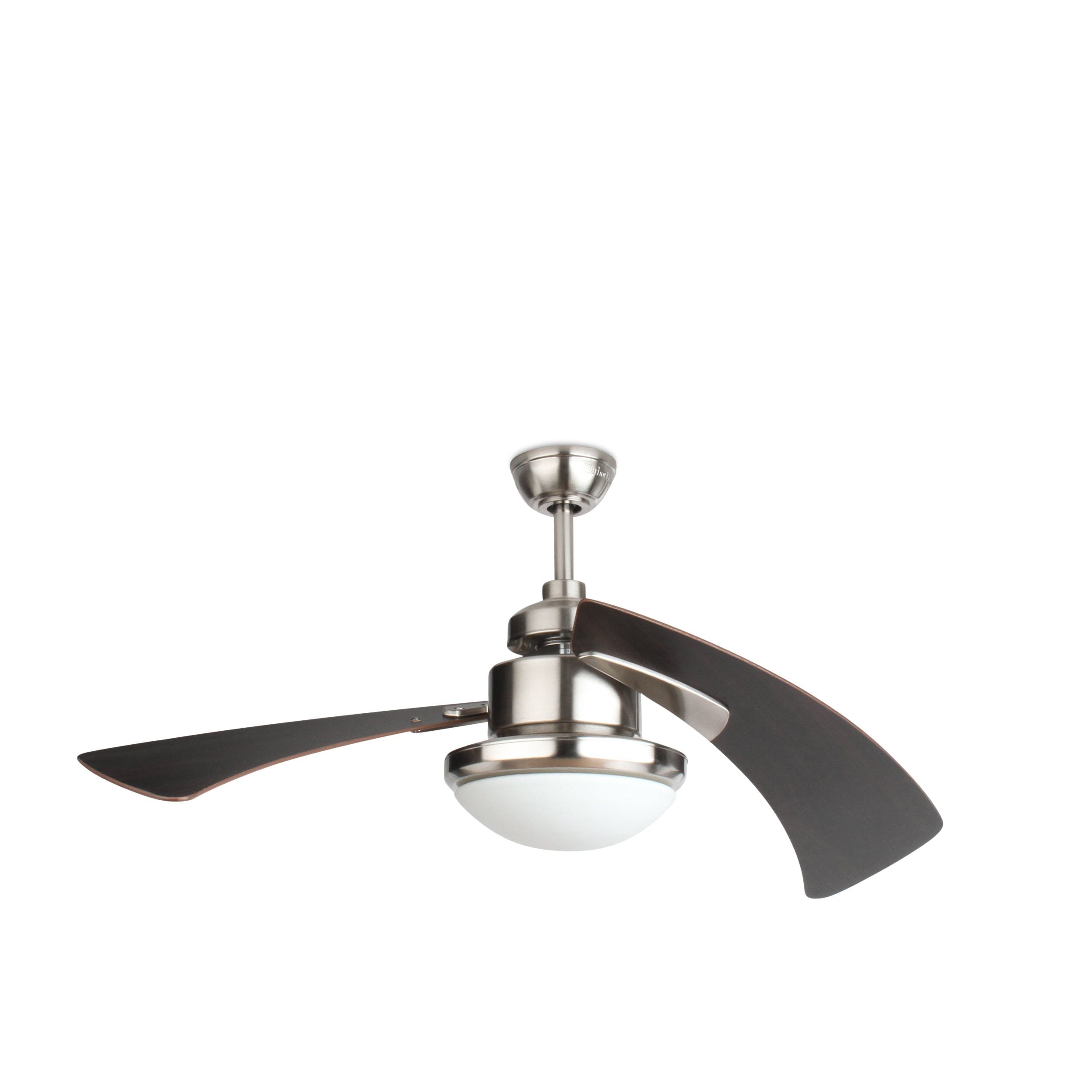
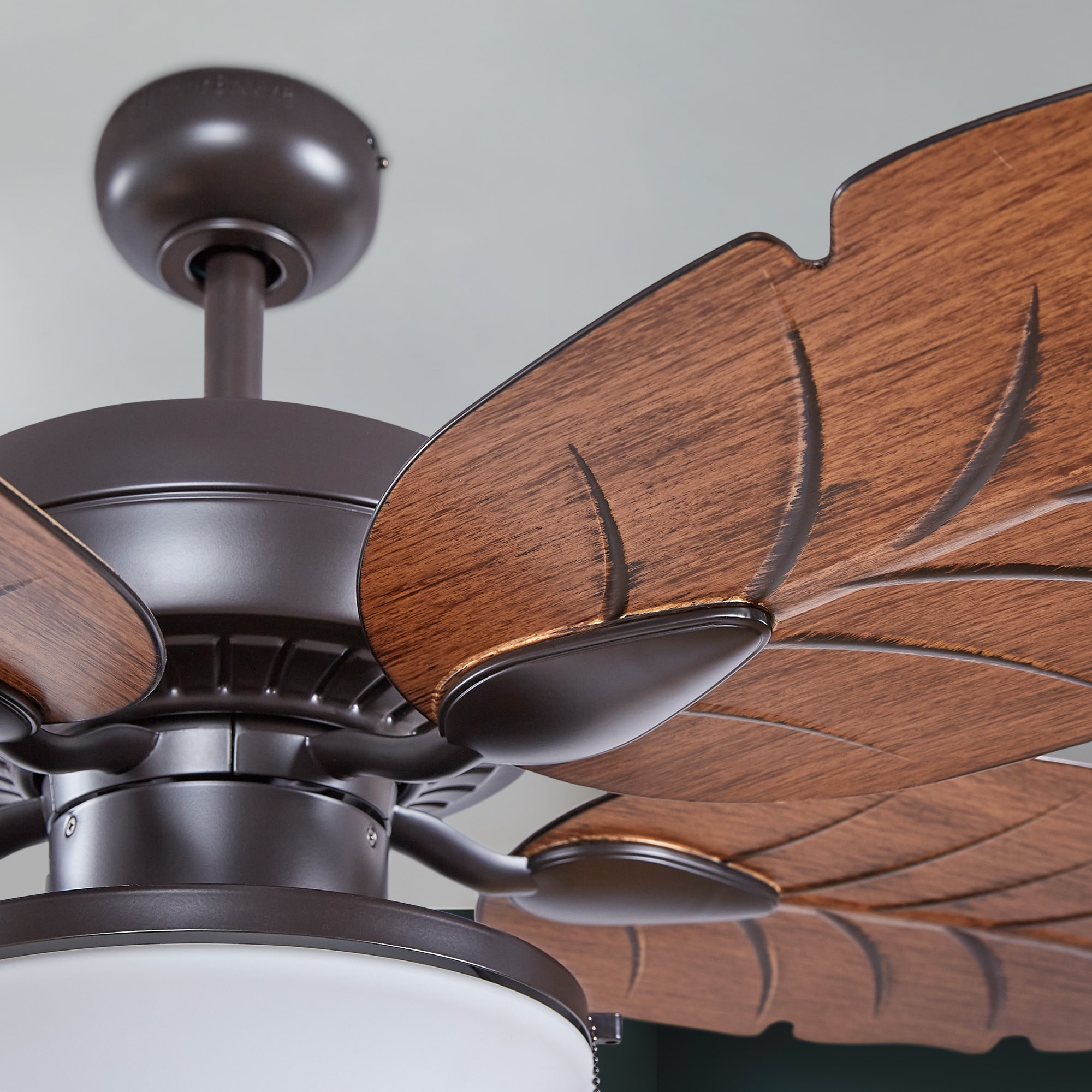
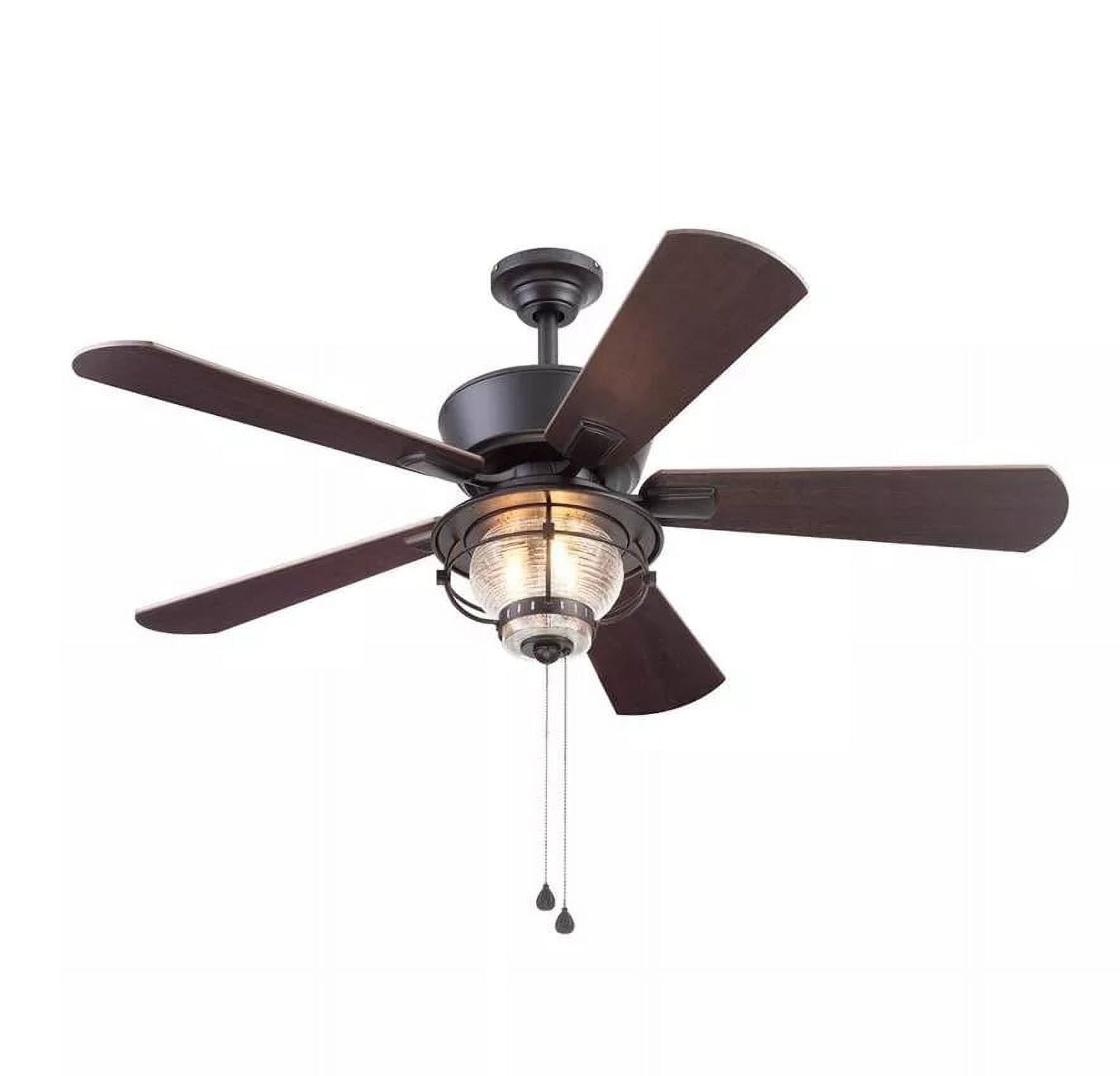
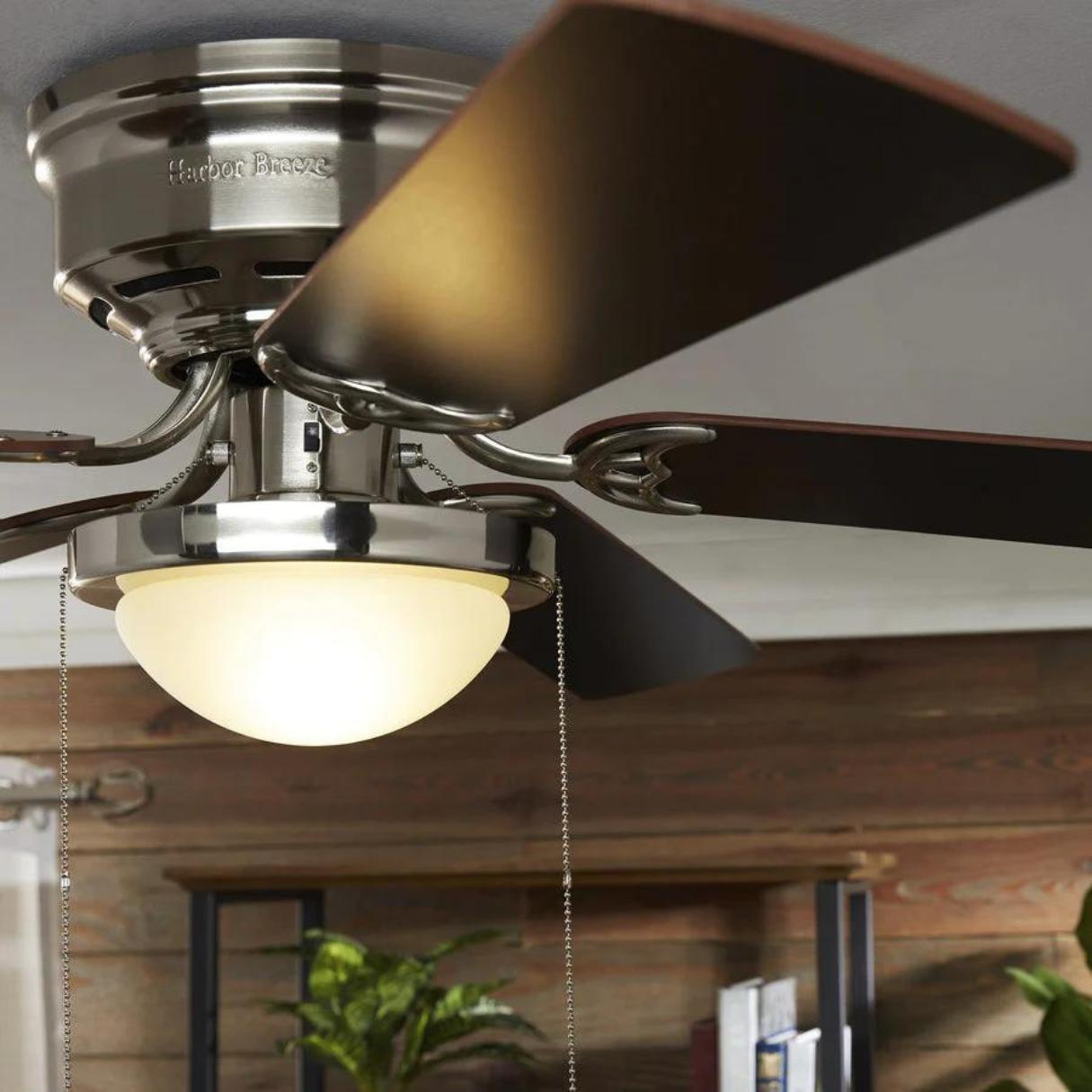
Harbor Breeze is a prominent brand of ceiling fans and ventilation products sold primarily through Lowe's home improvement stores, offering a diverse array of indoor and outdoor models equipped with standard pull chains, remote controls, smart home integration, and energy-efficient LED lighting kits.
Introduction to Harbor Breeze Fans
Ceiling fans remain one of the most cost-effective ways to manage indoor climate, enhance air circulation, and reduce reliance on heating and cooling systems. Among the various brands available to homeowners, Harbor Breeze occupies a unique market position. As a house brand manufactured for Lowe's by various third-party original equipment manufacturers (OEMs), Harbor Breeze balances affordability with modern design trends and functional features.
Whether you are looking to cool a sprawling outdoor patio, upgrade a master bedroom with a whisper-quiet DC motor, or replace an outdated kitchen fixture with an integrated LED light kit, understanding the nuances of the Harbor Breeze lineup is essential. This guide covers the essential aspects of selecting, installing, operating, and troubleshooting Harbor Breeze fans, ensuring your investment delivers optimal performance and aesthetic appeal.
Understanding the Harbor Breeze Product Lineup
The Harbor Breeze catalog is extensive, catering to various architectural styles, room sizes, and functional requirements. To choose the right model, it helps to categorize them by application, mounting type, and technological features.
Indoor vs. Outdoor Rated Models
Selecting the correct environment rating is the first step in purchasing a ceiling fan. Installing an indoor-only fan in a damp or wet location can lead to motor failure, rusted components, and electrical hazards.
- Dry-Rated Fans: Designed exclusively for indoor spaces with low humidity, such as living rooms, bedrooms, and home offices. These models feature standard wood or engineered wood blades and basic electrical housings.
- Damp-Rated Fans: Engineered to withstand moisture in covered outdoor areas like porches, patios, and sunrooms, as well as high-humidity indoor spaces like bathrooms and laundry rooms. They utilize moisture-resistant blades and treated hardware.
- Wet-Rated Fans: Built to endure direct exposure to rain, snow, and water jets. These are ideal for uncovered patios, pergolas, and pool houses, featuring all-weather plastic or resin blades and sealed motor housings.
Mounting Configurations and Ceiling Heights
The height of your ceiling dictates the mounting mechanism required for safe and efficient operation.
- Flush Mount (Tuck-Away / Low Profile): Designed for rooms with low ceilings (under 8 feet). These fans mount directly to the ceiling bracket without a downrod, maximizing headroom.
- Downrod Mount: Standard for ceilings 8 to 9 feet high. A downrod suspends the fan at the optimal height (typically 8 to 9 feet from the floor to the blades) for maximum airflow efficiency. Longer downrods are available for vaulted or cathedral ceilings.
- Sloped Ceiling Adapters: Necessary for angled or vaulted ceilings to ensure the fan hangs level and does not wobble or strike the ceiling during operation.
Feature Variations: Smart Tech, Lighting, and Motors
Modern Harbor Breeze models extend far beyond basic pull-chain operation.
- AC vs. DC Motors: Traditional Alternating Current (AC) motors are reliable and cost-effective but offer fewer speed settings. Direct Current (DC) motors are significantly more energy-efficient, operate much quieter, offer 6 or more speed settings, and often include reverse functions directly on the remote control.
- Lighting Kits: Many Harbor Breeze models feature integrated LED light arrays. These provide energy efficiency and long lifespans, though integrated units may require replacing the entire light board if it fails, unlike traditional socket-based fixtures.
- Smart and Remote Controls: Handheld radio frequency (RF) remotes are standard on mid-to-high-tier models. Select newer models feature Wi-Fi or Bluetooth compatibility, allowing integration with smart home ecosystems like Google Home, Amazon Alexa, or proprietary apps.
Key Specifications and Comparison Table
To help navigate the range of options, the following table compares common categories of Harbor Breeze ceiling fans based on typical application, motor type, control method, and environment rating.
| Fan Category | Typical Blade Span | Motor Type | Control Method | Environment Rating | Best Suited For |
|---|---|---|---|---|---|
| Standard Indoor | 52 inches | AC Motor | Pull Chain / Optional Remote | Dry | Living rooms, large bedrooms |
| Low Profile / Flush | 44 to 52 inches | AC Motor | Pull Chain / Wall Switch | Dry | Low-ceiling bedrooms, nurseries |
| Outdoor Patio | 52 to 60 inches | AC or DC | Handheld Remote | Damp or Wet | Covered porches, open patios |
| Smart / Modern | 54 to 72 inches | DC Motor | Remote / Wi-Fi App / Voice | Dry or Damp | Great rooms, modern master suites |
| Small Space | 24 to 36 inches | AC Motor | Pull Chain | Dry | Hallways, laundry rooms, small offices |
Pre-Installation Requirements and Safety Planning
Before purchasing or installing a Harbor Breeze ceiling fan, you must verify structural and electrical readiness. Ceiling fans are heavy and generate dynamic rotational forces; failing to meet support requirements can result in structural failure or injury.
Electrical Box Requirements
By National Electrical Code (NEC) standards, ceiling fans cannot be supported by standard plastic or metal electrical boxes designed solely for light fixtures.
- The electrical box must be explicitly fan-rated (marked "Acceptable for Fan Support").
- It must be securely fastened to the building structure, either by mounting directly to a ceiling joist or by using a heavy-duty brace bar spanning between two joists.
Weight and Balance Considerations
Most standard Harbor Breeze fans weigh between 15 and 35 pounds. Ensure the ceiling box and support framing can bear the weight of the specific model you choose. For larger, industrial-style fans with spans exceeding 60 inches, weight and torque requirements are significantly higher.
Essential Tools Needed
Gather the following tools before beginning installation:
- Sturdy stepladder
- Wire strippers and wire connectors (wire nuts)
- Standard and Phillips-head screwdrivers
- Digital voltage tester (multimeter or non-contact voltage detector)
- Socket wrench set
- Safety glasses and work gloves
Step-by-Step Installation Process
While specific instructions vary by model, the core installation sequence for most Harbor Breeze ceiling fans follows a standardized procedure. Always turn off the power at the main circuit breaker before touching any wiring.
Step 1: Turn Off Power and Verify
- Locate your home’s electrical service panel (breaker box).
- Switch off the circuit breaker controlling the room's ceiling box and wall switch.
- Use a non-contact voltage tester at the electrical box to confirm zero electrical current is present.
Step 2: Assemble the Mounting Bracket
- Feed the supply wires from the ceiling electrical box through the center opening of the Harbor Breeze mounting bracket.
- Secure the mounting bracket to the fan-rated electrical box using the mounting screws and lock washers provided. Ensure the bracket is tightly fastened with zero lateral play.
Step 3: Prepare and Hang the Motor Assembly
- For Downrod Mounts: Remove the hitch pin and cross pin from the downrod, feed the motor wires through the downrod, and secure the downrod to the motor yoke. Place the canopy over the downrod.
- Lift the motor assembly and place the downrod ball (or hanging bracket hook) into the socket of the mounting bracket. Rotate the motor assembly until the check groove locks into the bracket tab, preventing the fan from spinning on its mount.
Step 4: Complete Electrical Wiring
Connect the house supply wires to the fan receiver or motor wires according to the manufacturer's manual (typically utilizing quick-connect plugs on modern models with remotes):
- Black Wire (Live/Hot): Connect to the house black wire.
- White Wire (Neutral): Connect to the house white wire.
- Green or Bare Wire (Ground): Connect to the house ground wire and the mounting bracket ground wire.
- Note: If using a remote control receiver, wire the house supply to the receiver input, and the receiver output to the fan motor.
Step 5: Attach Blades and Light Kit
- Secure each fan blade to the blade irons (brackets) using the provided screws and lock washers. Do not overtighten to avoid cracking wood or composite materials.
- Attach the assembled blade irons to the motor flywheel or underside of the motor housing.
- Plug in the light kit wire harnesses (if applicable), secure the light fixture to the switch housing, install the designated bulbs, and attach the glass globe or shade.
Operating and Maintenance Best Practices
Proper operation and routine maintenance extend the lifespan of your Harbor Breeze fan and ensure efficient performance year-round.
Seasonal Reversing Switch
Ceiling fans should rotate in different directions depending on the season:
- Summer (Counterclockwise Rotation): Creates a wind-chill effect by pushing air straight down, making people in the room feel cooler without lowering the ambient thermostat temperature.
- Winter (Clockwise Rotation at Low Speed): Pulls cool air upward, forcing warm air that has risen to the ceiling down along the walls without creating a chilling draft.
Routine Cleaning and Upkeep
- Dusting Blades: Clean dust accumulation from blades every few months using a microfiber cloth or pillowcase method to prevent imbalance.
- Hardware Check: Annually check the blade iron screws, canopy screws, and downrod set screws. Vibrations from normal operation can loosen hardware over time.
Troubleshooting Common Harbor Breeze Fan Issues
Even high-quality fans can experience operational hiccups. Below are solutions to the most frequent issues encountered with Harbor Breeze ceiling fans.
1. Fan Wobble and Excessive Vibration
Wobbling is almost always caused by uneven weight distribution or loose mechanical connections.
- Check Hardware: Ensure all blade irons are tightly secured to the motor and that individual blades are fastened securely to their brackets.
- Blade Balance: Use the plastic balancing clip included in the hardware pack. Place the clip on the trailing edge of a blade, test the fan, and move it from blade to blade until you identify the culprit. Apply adhesive balancing weights opposite the troubled blade.
2. Humming or Buzzing Noises
A humming sound usually points to electrical interference or incompatible dimming switches.
- Dimmer Switch Conflict: Standard incandescent wall dimmers will cause AC ceiling fan motors to buzz and can damage the internal components. Ensure your wall switch is either a standard on/off toggle or a fan-rated speed control.
- Loose Canopy: Check that the ceiling canopy is not pressed directly against the ceiling drywall, which amplifies motor vibrations.
3. Remote Control Unresponsiveness
If the handheld remote fails to operate the fan or lights:
- Battery Check: Replace the batteries in the handheld transmitter.
- Frequency Pairing: Many Harbor Breeze RF remotes require re-syncing. Turn off power at the breaker for 30 seconds, restore power, and within 60 seconds, press and hold the "Learn" or designated pairing button inside the battery compartment or canopy receiver until the light blinks.
Frequently Asked Questions
Are Harbor Breeze fans compatible with universal remote controls?
Many standard Harbor Breeze AC motor fans are compatible with universal ceiling fan remotes purchased aftermarket. However, models featuring proprietary DC motors or integrated smart modules typically require OEM replacement parts specific to that exact model number.
Where can I find replacement parts for my Harbor Breeze fan?
Replacement parts such as remote controls, glass globes, blade sets, and light kits can often be sourced directly through Lowe's customer service or authorized online parts distributors. You will need the specific model number, which is typically found on a silver or white sticker located on the top of the motor housing.
Why does my fan light flicker when turned on?
Flickering is frequently caused by loose wire connections inside the switch housing, an incompatible wall dimmer switch controlling the circuit, or failing LED driver components within the integrated light kit. Verify all wire nut connections and ensure no standard wall dimmers are used on the line.
Can I install a Harbor Breeze outdoor fan in a completely exposed area?
Only if the model is explicitly rated as Wet-Rated. Damp-rated fans can withstand humidity and occasional indirect moisture under a covered roof, but direct rainfall will damage internal electrical components and void the manufacturer warranty.
How do I find my Harbor Breeze model number?
The model number is printed on a manufacturer label affixed to the top of the motor housing (the part facing the ceiling) or inside the switch housing cup underneath the light kit. Checking the original user manual, purchase receipt, or Lowe's online order history is also helpful.
Conclusion and Next Actions
Harbor Breeze ceiling fans provide an accessible, stylish, and functional solution for home climate control and illumination. By verifying your ceiling's electrical box rating, selecting the correct environmental classification, following precise installation steps, and performing routine maintenance, you can ensure reliable performance for years to come.
Your immediate next step is to inspect your target installation location, verify the presence of a fan-rated electrical box, locate your specific model number if troubleshooting an existing unit, and consult local electrical codes or a licensed electrician if structural modifications are required.