Digital wellbeing has evolved significantly by 2026. As iOS becomes more sophisticated, the architecture governing app restrictions has moved from simple time-limiters to complex, intent-based behavioral modification tools. Users seeking to regain control over their focus require solutions that bypass the limitations of basic Screen Time settings while maintaining privacy and system integrity.
Understanding the iOS Sandbox and Restrictions API
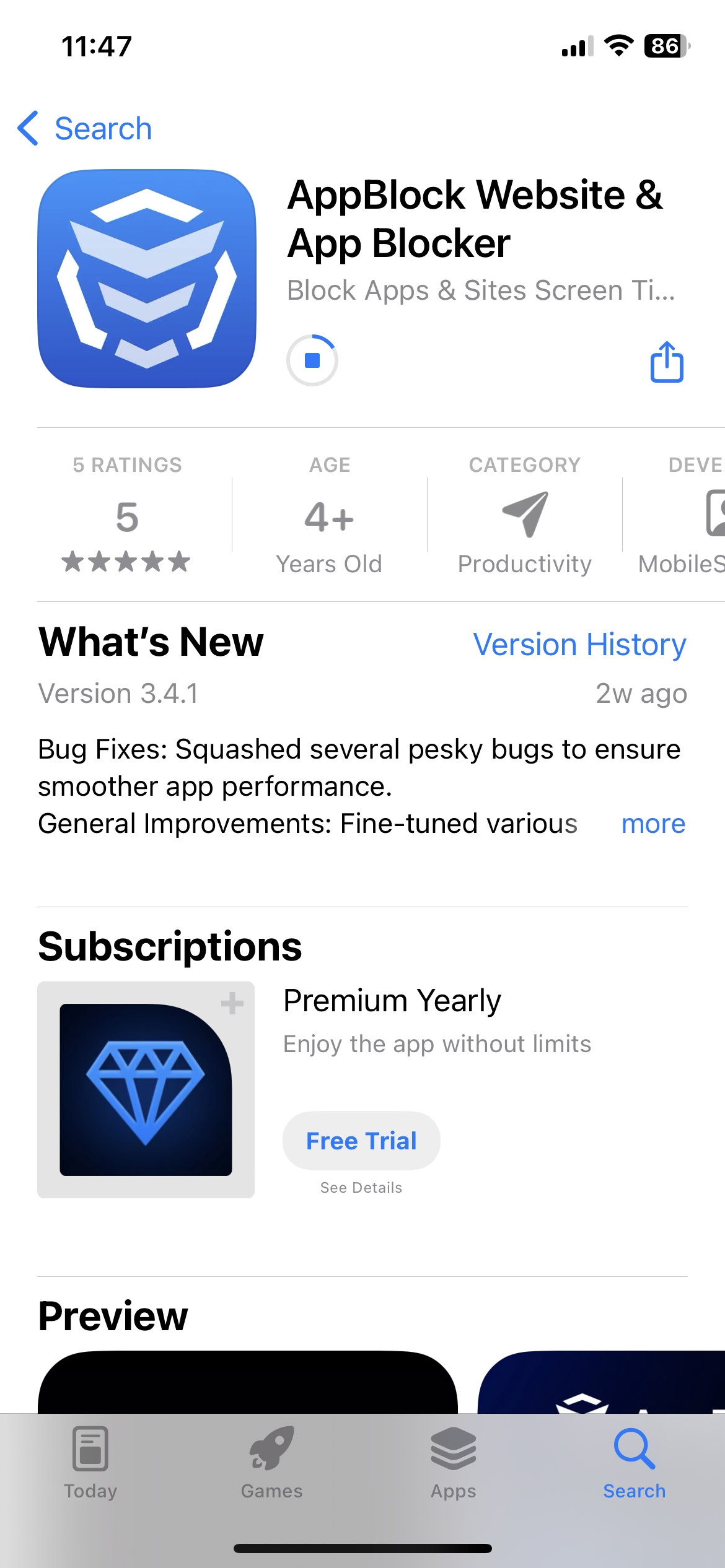
Apple maintains a strict sandbox architecture that prevents third-party apps from directly terminating other apps or interfering with system-level processes. Instead, legitimate app-blocking software utilizes the Screen Time API and the Device Activity framework. These tools allow developers to monitor activity across categories and implement granular restrictions that remain enforceable even when the device is locked.
Effective blocking apps in 2026 operate by creating a secondary layer of friction. They do not just hide an icon; they utilize Apple’s Family Controls to prevent the launch of specified bundles, effectively locking the app behind a shield that requires a secondary authentication method or the expiration of a pre-set timer.
Technical Requirements for Robust App Blocking
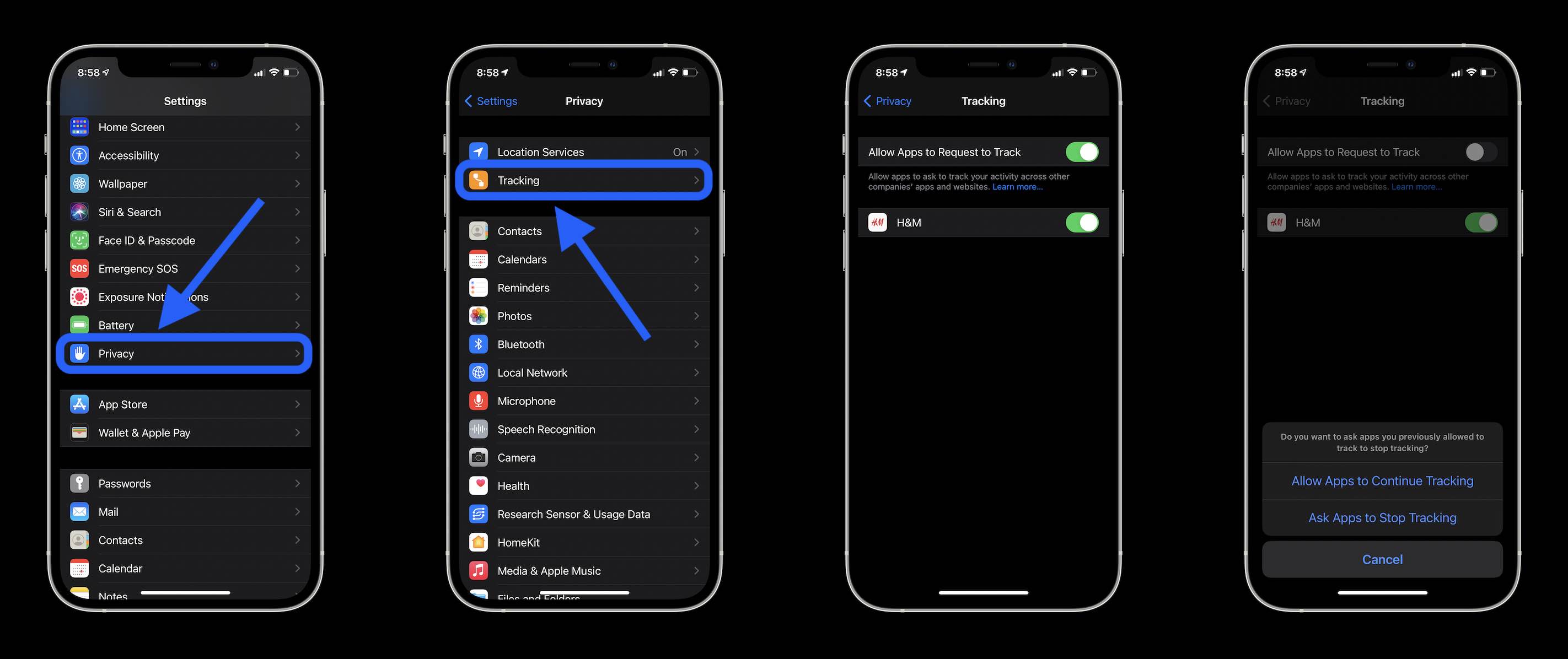
To function correctly on an iPhone running iOS 19 or later, any app-blocking tool must be granted specific permissions within the Settings menu. Without these, the application cannot enforce limitations, rendering it useless against determined users.
- Screen Time Permissions: You must explicitly authorize the application to manage your usage data and blocking schedules.
- Family Controls: This is the mandatory framework for any app that effectively restricts access. It allows the app to communicate with the OS to prevent application launch requests.
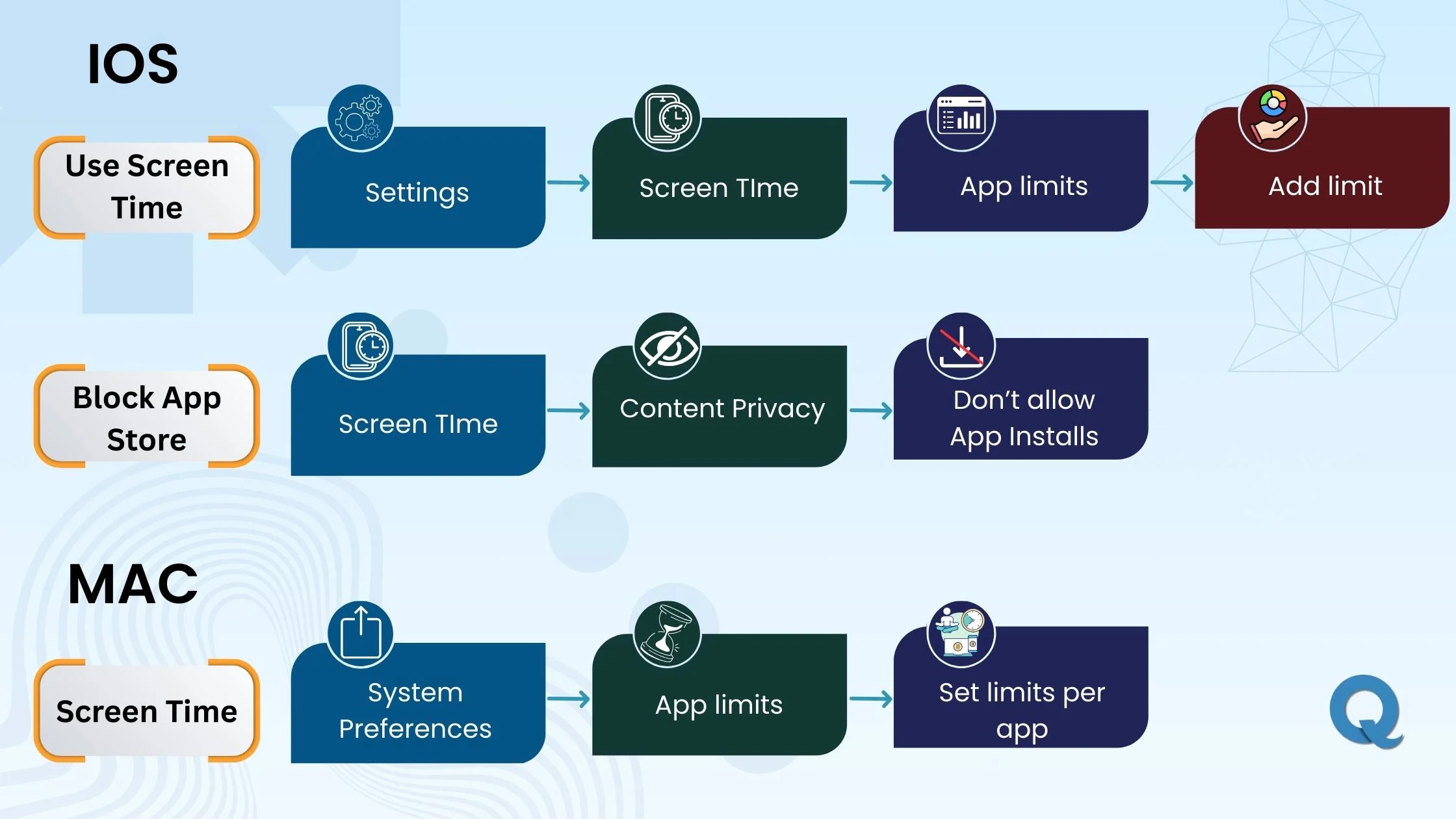
- Content & Privacy Restrictions: Ensure that your Apple ID is not under a restricted Management Profile from an employer or educational institution, as this will prevent third-party blocking apps from overriding existing MDM (Mobile Device Management) policies.
Comparative Analysis of 2026 Focus Enhancement Tools
The market has consolidated into three tiers: behavioral coaching, strict enforcement, and enterprise-grade focus management. Below is a comparison of the leading solutions for the current year.
| Feature | Opal (Deep Focus) | Freedom | Flora | iOS Screen Time |
|---|---|---|---|---|
| Core Focus | Behavioral Habits | Multi-Device Sync | Gamified Focus | Basic Analytics |
| Enforcement | Strict (API-based) | Strict | Moderate | Moderate |
| Platform Sync | Apple Ecosystem | Cross-Platform | Mobile-First | Apple Ecosystem |
| 2026 Rating | 4.9/5 | 4.7/5 | 4.5/5 | 4.2/5 |
Security Alert
Never trust applications that request your Apple ID credentials to enable blocking. Legitimate apps utilize native iOS frameworks that do not require you to share your password with the developer. If an app asks for your login details for "verification" of your restrictions, remove the app immediately as it likely violates Apple's privacy guidelines for 2026.
Strategies for Implementation and Workflow Optimization
To achieve maximum efficacy, you must treat your app-blocking configuration as a static infrastructure rather than a reactive tool. Reactive blocking—turning on a block once you are already distracted—is rarely effective due to the "impulse window."
- Pre-Schedule Blocks: Configure your blocks for the entire week on Sunday evenings. By automating the transition into "Deep Work" mode, you remove the psychological burden of choosing to focus.
- Grouping by Utility: Do not block by app name; block by category. Categorizing social media, retail, and gaming apps together allows for a single, comprehensive "Off-Duty" schedule that is much harder to bypass.
- The 5-Minute Buffer: Use apps that implement a mandatory five-minute warning before a block activates. This allows you to finish a thought or save progress, preventing the frustration that leads to disabling the app entirely.
Troubleshooting Common Limitations and Bypasses
If you find that your chosen app is failing to block specific content, it is often due to internal scheduling conflicts or OS updates that reset permission caches.
- Cache Refresh: If blocks are not triggering, navigate to Settings, select the blocking app, and toggle the "Allow Activity Access" permission off and then back on.
- The "Delete and Reinstall" Loophole: Some users attempt to circumvent blocks by deleting the blocking app. To prevent this, ensure "Deleting Apps" is set to "Don't Allow" within your Screen Time Content & Privacy Restrictions, protected by a secondary, hard-to-guess passcode known only to a trusted person.
- Safari Filtering: If the app blocks apps but fails to block websites, ensure that the app’s Content Blocker extension is enabled in Safari settings. In 2026, web-based distractions are as prevalent as app-based ones, and they require separate activation in the browser settings.
Frequently Asked Questions
Can I completely bypass an app-blocking tool on iPhone? While technical workarounds exist, such as factory resetting the device, legitimate apps are designed to be difficult to disable by design. If you find yourself frequently bypassing your own blocks, it indicates that your restriction duration is too aggressive and requires adjustment to be more sustainable.
Do these apps consume significant battery life in 2026? Modern blocking apps use low-energy notification and scheduling APIs that have negligible impact on battery life. If you notice high battery drain, ensure the app is not constantly syncing high-resolution data to cloud servers.
Are free app blockers safe? Proceed with caution. Free apps often monetize user data. Always check the privacy nutrition labels in the App Store to ensure the developer does not sell your browsing patterns to third-party advertisers.
Will these apps work if I am using an iPad as well? Yes, provided you use the same Apple ID and iCloud sync settings. Most premium blockers in 2026 offer universal subscription status across your entire Apple hardware ecosystem.
What is the best way to maintain discipline? Consistency is superior to intensity. Start by blocking only the three most distracting apps for two hours a day, rather than attempting to lock your entire phone for twelve hours immediately.
Strategic Recommendation
For the average professional in 2026, the most effective approach is a combination of native Screen Time for baseline health monitoring and a dedicated, API-compliant tool like Opal for structural enforcement. Evaluate your digital usage patterns for one week before implementing your final blocking schedule to ensure your rules are rooted in reality rather than aspiration. Should you find your productivity stagnating despite these tools, audit your environmental triggers—such as notification clusters—which often render even the best software ineffective.
![How to Block Apps on iPhone: 5 Easy Steps [2025 Guide] | Findmykids](https://cdn-blog.findmykids.org/2021/08/Group-3-2.png)